Choosing a Graphics Card for a Video Editing PC
How to choose a graphics card for a Video Editing PC
CPU vs GPU in video editing
The processor on a high-performance graphics card is called the GPU. Its design is fundamentally different to the kind of processor used to run a computers central functions known as your CPU. In a regular CPU, there are relatively few processor cores, usually between 4 and 16, with each processor core operating at a high clock frequency. In a graphics card, the GPU will have a very high core count, often as high as 3500 or more cores but each core operates at a far lower clock frequency. It is these large number of cores that is significant about choosing a graphics card for a video editing PC.
Does Adobe Premiere Pro utilise a graphics card?
Adobe Premiere Pro uses GPU acceleration for many of its more complex and compute-intensive tasks; this is the most efficient way to handle such functions because most image/video processing tasks can easily be broken down. The CPU has the role of marshalling these jobs to the GPU and deciphering the output. Think of it like this, if you wanted to load a removals van with the contents of a house as quickly as possible, would you rather have the “worlds strongest man” (CPU) or a team of 100 ordinary people (GPU)? Adobe Premiere Pro video editing software would have the job broken down by the group of 100 to get it done quicker.
It’s essential to maintain a balance between GPU and CPU performance as a bottleneck can occur if one is more powerful than the other. If you over specify the CPU, then not all of its power will be used, as the GPU will be working at maximum and won’t be able to pass enough work to the CPU. Careful system design regarding the CPU / GPU balance will reward with the best price/performance system.
4K Video Editing
A system must have certain pre-requisites for efficient 4K video editing. It should have a minimum of 32GB of memory. Any less than this will cause a big drop in system performance. The system should have a high performance CPU. At the time of writing (April 2022) the Intel 12th generation processors are best for video editing. For 4K we suggest the i7-12700K or i9-12900K.
A high performance graphics card is also required for good results when editing 4k footage. Its a good idea to have a card with a high amount of video memory. While 4GB of VRAM is plenty for editing 1080p footage, it is best to choose a GPU with at least 6GB of VRAM for 4K footage and our ideal would be at least 8GB. Our current favourite is the RTX 3060 as it has 12GB of VRAM and the performance is good. 12GB of VRAM would be good for editing 8K footage!
4K Video Editing with layers
As complexity increases, more memory is beneficial. This is true of both the PC system memory and the GPU VRAM memory. While you can get away with editing 4K with a 6GB VRAM graphics card, more complex layered 4K would benefit from 8GB and if possible a higher specification GPU such as the RTX 3070. Couple this with 64GB of system memory if possible.
8K Video Editing
Use of multiple GPU in a high-performance video editing system will increase performance in Premiere Pro but it doesn’t scale well. Usually more performance can be gained from install just one top of the range GPU rather than two lesser specification GPUs of the same value.
Which graphics cards does Adobe Premiere support?
For Adobe Premiere Pro to be able to make use of the graphics card, it must support either Cuda or OpenCL. Nvidia cards support Cuda, and AMD cards support OpenCL. Cuda comes out as the clear winner in straight up performance tests with a variety of codecs. We would recommend users choose a Nvidia based GPU.
Can I mix and match graphics cards in a video editing PC?
Any graphics card will help improve performance. Ideally, if you install more than one GPU in your PC, you should try to keep to the same model, but system performance can be boosted even with different cards as long as they are both using the same vendor’s chipset, i.e. both Nvidia running Cuda.
Does VRAM matter to video editing?
Aim to use graphics cards with high quantities of onboard video memory (VRAM). If your GPU has insufficient video memory, then your PC will be forced to use the computers CPU to process even when you have switched on GPU acceleration, this can happen partway through a job. For this reason, we recommend cards with a minimum of 6GB but ideally aim for 8GB or higher.
Do graphics cards for video editing need linking via an SLI bridge?
Systems utilising more than one graphics card don’t need to have the cards linked with an SLI bridge. Don’t install more than two cards if you are using Nvidia GTX cards. Nvidia hasn’t designed the latest 10xx series GTX cards to be used in 3-way or 4-way configurations, and although some users have reported success, we have experienced system instability with these configurations.
NVIDIA Quadro professional graphics for video editing
For high-performance systems, consider using Nvidia Quadro cards. The cards are designed to be used as Cuda GPU, so the cards and drivers have been optimised along these lines. The cards are also equipped with far more substantial quantities of video memory and can be used in 3-way and 4-way configurations. Quadro cards also support 10-bit colour which can be beneficial for those working in studio quality settings. GTX cards only support 8-bit colour.
Our GPU / CPU recommendations for a balanced system
| CPU | Motherboard Chipset | Minimum GPU | Maximum GPU |
|---|---|---|---|
| Intel Core i5-9600k | Intel Z370 | GTX1070 / Quadro P4000 | RTX2080 / Quadro RTX5000 |
| AMD Ryzen 7 2700X | AMD X470 | RTX2070 / Quadro P5000 | RTX2080Ti / Quadro RTX6000 |
| Intel Core i7-9700K | Intel Z390 | RTX2070 / Quadro P5000 | RTX2080Ti / Quadro RTX6000 |
| Intel Core i9-9900K | Intel Z390 | RTX2080 / Quadro RTX5000 | RTX2080Ti / Quadro RTX6000 |
| Intel Core i9-9920X | Intel X299 | RTX2080Ti / Quadro RTX6000 | 2 x RTX2080 / 2 x Quadro RTX5000 |
| Intel Core i9-9960X | Intel X299 | RTX2080Ti / Quadro RTX6000 | 2 x RTX2080Ti / 2 x Quadro RTX6000 |
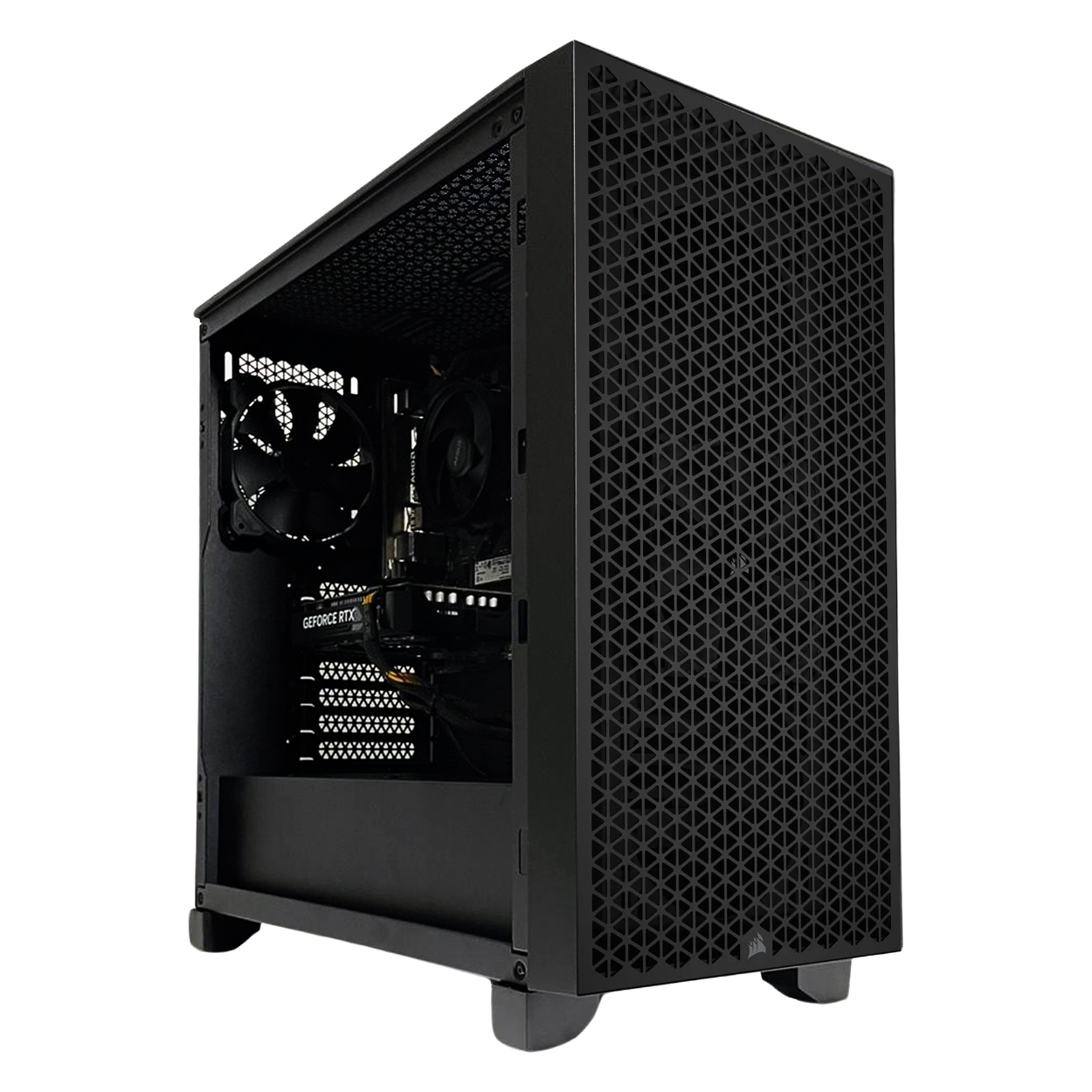
SKU: 5060506946887
£1,115.00 (inc VAT)
- Corsair 3000D AIRFLOW Case – Black
- Intel Core i5-12400F 2.5/4.4GHz 6 Core, 12 Thread CPU
- ASUS Prime B760M-A WiFi DDR5 Motherboard
- NVidia GeForce RTX 3050 8GB GPU
- 16GB Kingston Fury DDR5 5200MHz CL40 (2x8GB)
- 500GB NVMe M.2 SSD
- 1TB Seagate BarraCuda 3.5″ Hard Drive
- Thermalright Assassin X 90 SE ARGB 140w CPU Cooler
- Contour 550W High Efficiency ATX PSU
- Built in Wi-Fi and Bluetooth
- Built in 5.1 Sound Card
- Microsoft Windows® 11 Home
SKU: 5060506946894
£1,434.00 (inc VAT)
- Corsair 3000D AIRFLOW Case – Black
- Intel Core i5-12600KF 3.7/4.9GHz 10 Core, 16 Thread CPU
- ASUS Prime B760M-A WiFi DDR5 Motherboard
- NVidia GeForce RTX 5050 8GB GPU
- 32GB DDR5 5600MHz Memory (2x16GB)
- 1TB NVMe M.2 SSD (up to 6000MB/R, 4000MB/W)
- 1TB Seagate BarraCuda 3.5″ Hard Drive
- Thermalright Assassin X 120 Refined SE ARGB 190w Cooler
- Contour 650W High Efficiency ATX PSU
- Built in Wi-Fi and Bluetooth
- Built in 5.1 Sound Card
- Microsoft Windows® 11 Home
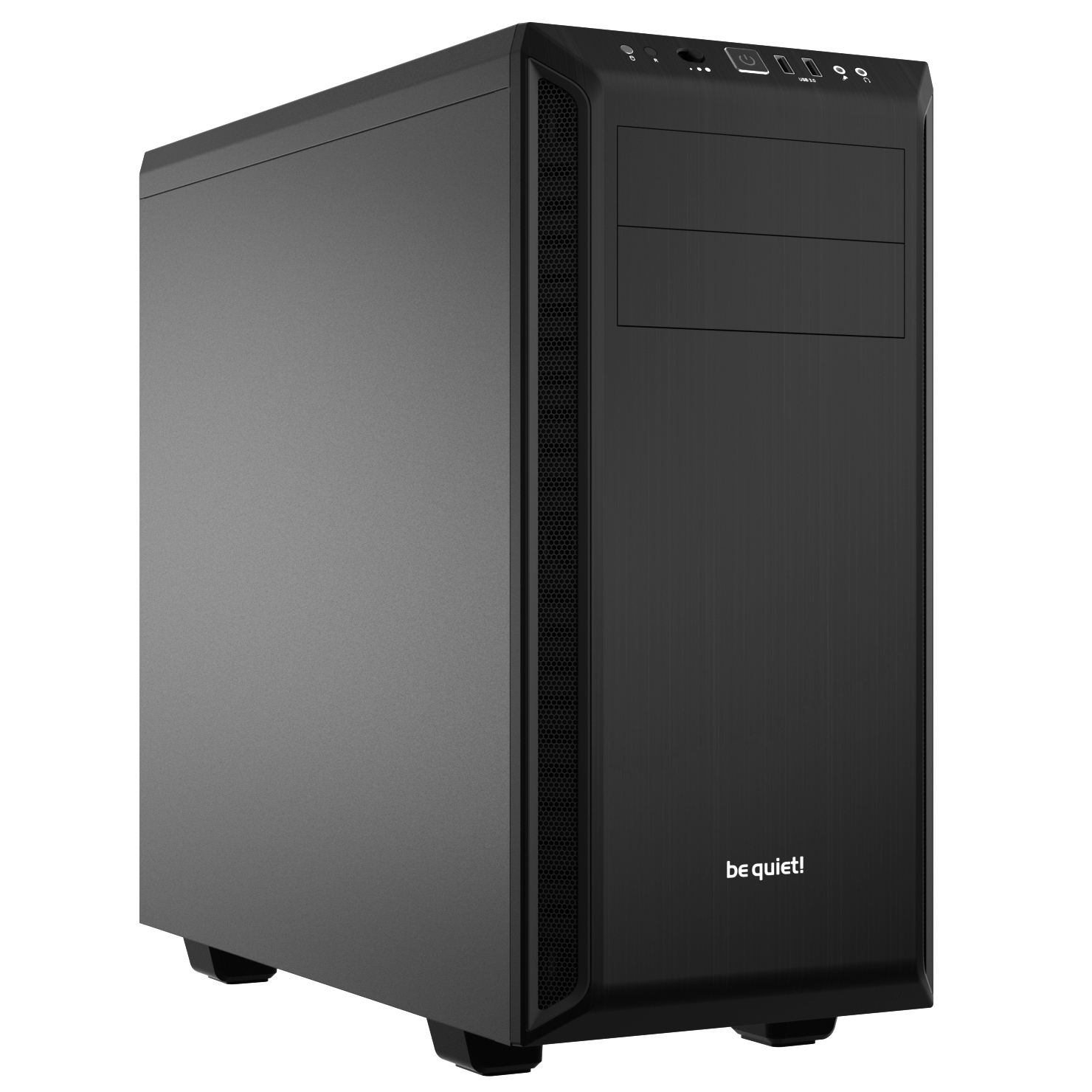
SKU: 5060506946900
£2,502.00 (inc VAT)
- Be Quiet! Pure Base 600 Black Case
- Intel Core i5-14600KF 3.5/5.3GHz 14 Core, 20 Thread CPU
- MSI B760M Gaming Plus WIFI DDR5 mATX Motherboard
- NVidia GeForce RTX 5060 Ti 8GB GDDR7 GPU
- 64GB DDR5 6000MHz CL36 (2x32GB)
- 1TB NVMe M.2 SSD (up to 6000MB/R, 4000MB/W)
- 2TB WD Black SN7100 M.2 PCIe 4.0 NVMe SSD [7250MB/s R, 6900MB/s W]
- 4TB Seagate BarraCuda 3.5″ Hard Drive
- Thermalright Phantom Spirit 120 SE ARGB 260w CPU Cooler
- Contour 750W ATX 3.1 High Efficiency PSU
- Built in Wi-Fi and Bluetooth
- Built in 5.1 Sound Card
- Microsoft Windows® 11 Home
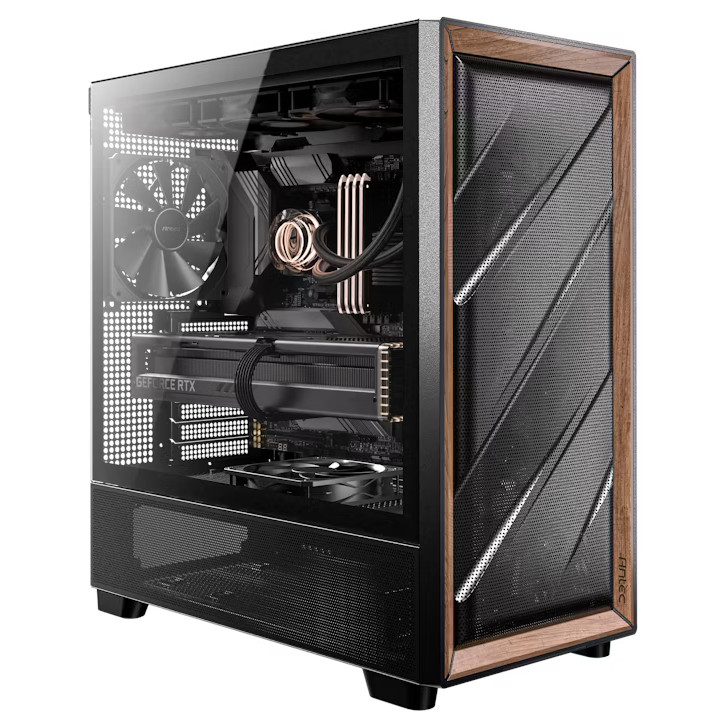
SKU: 5060506948355
£3,178.00 (inc VAT)
- Antec FLUX Gaming Case Black/Wood
- Intel Core Ultra 7 265KF 3.9/5.5GHz 20 Core CPU
- Gigabyte Z890 AORUS ELITE WIFI7 Motherboard
- NVidia GeForce RTX 5070 12GB GDDR7 GPU
- 64GB Kingston DDR5 6000MHz CL30 (2x32GB)
- 1TB NVMe M.2 SSD (up to 6000MB/R, 4000MB/W)
- 2TB WD Black SN7100 M.2 PCIe 4.0 NVMe SSD [7250MB/s R, 6900MB/s W]
- 8TB Seagate 3.5″ Ironwolf Pro HDD, 2 Years Rescue+DataRecovery on registration
- be quiet! Silent Loop 3 240mm All-in-one liquid cooler
- Contour 850W ATX 3.1 High Efficiency PSU
- Built in Wi-Fi and Bluetooth
- Built in 5.1 Sound Card
- Microsoft Windows® 11 Home
SKU: 5060506946917
£2,830.00 (inc VAT)
- Be Quiet! Pure Base 600 Black Case
- Intel Core i7-14700KF 3.4/5.6GHz 20 Core, 28 Thread CPU
- Gigabyte Z790 Eagle AX Motherboard
- NVidia GeForce RTX 5060 Ti 8GB GDDR7 GPU
- 64GB Kingston DDR5 6000MHz CL30 (2x32GB)
- 1TB WD Black SN7100 M.2 PCIe 4.0 NVMe SSD [7250MB/s R, 6900MB/s W]
- 2TB WD Black SN7100 M.2 PCIe 4.0 NVMe SSD [7250MB/s R, 6900MB/s W]
- 8TB Seagate BarraCuda 3.5″ Hard Drive
- be quiet! Silent Loop 3 240mm All-in-one liquid cooler
- Contour 850W ATX 3.1 High Efficiency PSU
- Built in Wi-Fi and Bluetooth
- Built in 5.1 Sound Card
- Microsoft Windows® 11 Home
SKU: 5060506947365
£984.00 (inc VAT)
- Corsair 3000D AIRFLOW Case – Black
- Intel Core i5-12400F 2.5/4.4GHz 6 Core, 12 Thread CPU
- ASUS PRIME H610M-A WIFI D4 Motherboard
- NVidia GeForce RTX 3050 6GB GPU
- 16GB DDR4 3200MHz Memory (2x8GB)
- 1TB NVMe M.2 SSD (up to 6000MB/R, 4000MB/W)
- Intel Laminar RH1 CPU cooler
- Contour 400W High Efficiency ATX PSU
- Built in Wi-Fi and Bluetooth
- Built in 5.1 Sound Card
- Microsoft Windows® 11 Home
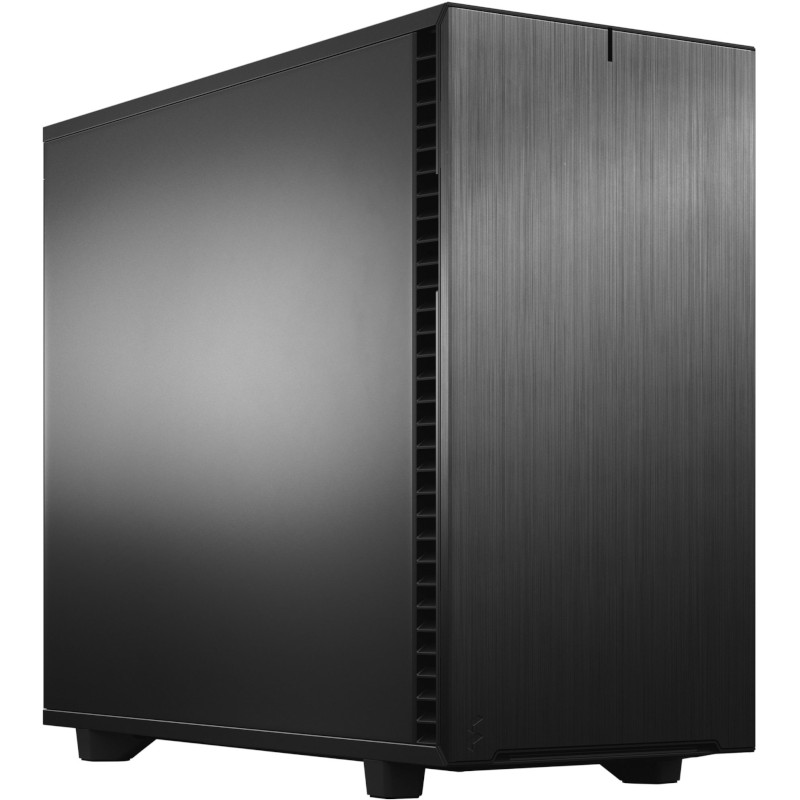
SKU: 5060506946948
£4,481.00 (inc VAT)
- Fractal Design Define 7 Black Solid
- Intel Core Ultra 9 285K 3.7/5.7GHz 24 Core CPU
- Asrock Phantom Z890 NOVA WIFI Motherboard
- NVidia GeForce RTX 5070 Ti 16GB GDDR7 GPU
- 64GB Kingston DDR5 6000MHz CL30 (2x32GB)
- 1TB WD Black SN7100 M.2 PCIe 4.0 NVMe SSD [7250MB/s R, 6900MB/s W]
- 4TB WD Black SN7100 M.2 PCIe 4.0 NVMe SSD [7250MB/s R, 6900MB/s W]
- 12TB Seagate 3.5″ Ironwolf Pro HDD, 2 Years Rescue+DataRecovery on registration
- be quiet! Silent Loop 3 360mm All-in-one liquid cooler
- Contour 850W ATX 3.1 High Efficiency PSU
- Built in Wi-Fi and Bluetooth
- Built in 5.1 Sound Card
- Microsoft Windows® 11 Professional

SKU: 5060506946931
£3,464.00 (inc VAT)
- Lian Li LANCOOL 217 Case – Black/Wood
- Intel Core Ultra 9 285 2.5/5.6GHz 24 Core CPU
- Gigabyte Z890 AORUS ELITE WIFI7 Motherboard
- AMD Radeon RX 9070 XT 16GB
- 64GB Kingston DDR5 6000MHz CL30 (2x32GB)
- 1TB NVMe M.2 SSD (up to 6000MB/R, 4000MB/W)
- 2TB NVMe M.2 SSD (up to 5000MB/R, 4200MB/W)
- 8TB Seagate 3.5″ Ironwolf Pro HDD, 2 Years Rescue+DataRecovery on registration
- Corsair NAUTILUS 360 RS Liquid CPU Cooler
- Contour 850W ATX 3.1 High Efficiency PSU
- Built in Wi-Fi and Bluetooth
- Built in 5.1 Sound Card
- Microsoft Windows® 11 Home
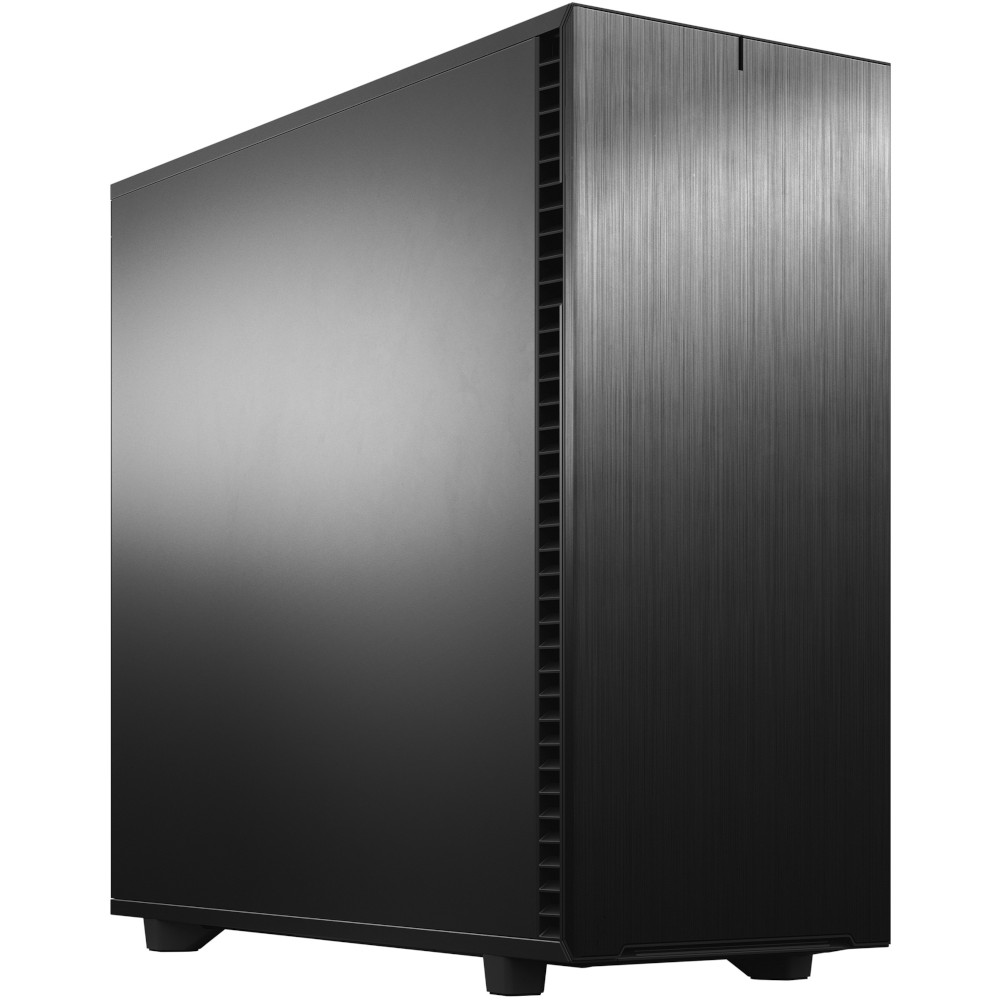
SKU: 5060506946962
£14,376.00 (inc VAT)
- Fractal Design Define 7 XL Solid
- AMD Ryzen Threadripper Pro 9975WX CPU 32 Core 64 Thread 4.0/5.4GHz
- ASUS Pro WS TRX50-SAGE WIFI Motherboard
- NVidia GeForce RTX 5090 32GB GDDR7 GPU
- 128GB DDR5 RDIMM 5600MHz CL46 (4x32GB)
- 1TB NVMe M.2 SSD (up to 6000MB/R, 4000MB/W)
- 4TB WD Black SN7100 M.2 PCIe 4.0 NVMe SSD [7250MB/s R, 6900MB/s W]
- 16TB Seagate 3.5″ Ironwolf Pro HDD, 2 Years Rescue+DataRecovery on registration
- be quiet! Silent Loop 3 420mm All-in-one liquid cooler
- Corsair HX1500i 1500W 80 Plus Platinum Fully Modular PSU
- Built in Wi-Fi and Bluetooth
- Built in 5.1 Sound Card
- Microsoft Windows® 11 Professional
SKU: 5060506946955
£5,403.00 (inc VAT)
- Fractal Design Define 7 XL Solid
- Intel Core Ultra 9 285K 3.7/5.7GHz 24 Core CPU
- Asrock Phantom Z890 NOVA WIFI Motherboard
- NVidia GeForce RTX 5080 16GB GDDR7 GPU
- 96GB Kingston Fury Renegade DDR5 6000MHz CL32 (2x48GB)
- 2TB Crucial T710 M.2 NVMe PCIe 5.0 SSD (14500MB/R, 13800MB/W)
- 4TB Samsung 990 Pro M.2 NVMe PCIe 4.0 SSD (7450MB/R, 6900MB/W)
- 12TB Seagate 3.5″ Ironwolf Pro HDD, 2 Years Rescue+DataRecovery on registration
- Corsair NAUTILUS 360 RS Liquid CPU Cooler
- 1000W – FSP Vita 80+ Gold Modular ATX 3.1 PCIe5.1 PSU
- Built in Wi-Fi and Bluetooth
- Built in 5.1 Sound Card
- Microsoft Windows® 11 Professional
SKU: 5060506946870
£1,335.00 (inc VAT)
- Corsair 3000D AIRFLOW Case – Black
- Intel Core i5-14500 2.6/5.0GHz 14 Core, 20 Thread CPU – Limited Stock
- Gigabyte B760M D3HP DDR4 mATX Motherboard
- NVidia GeForce RTX 3050 6GB GPU
- 16GB DDR4 3200MHz Memory (2x8GB)
- 1TB NVMe M.2 SSD (up to 6000MB/R, 4000MB/W)
- 4TB Seagate BarraCuda 3.5″ Hard Drive
- Thermalright Assassin King 120 SE 200w Cooler
- Contour 650W High Efficiency ATX PSU
- Built in 5.1 Sound Card
- Microsoft Windows® 11 Home


Punch Technology Ltd
Meyer Building
Wirral International Business Park
Bromborough
Wirral
CH62 3RH
Technical Support Number: 0151 3179860
Head Office Number: 0151 3179860
Company Number: 10250445
VAT Number: 245 0802 29
Trade Mark: UK00003257797
FCA Number is 809833.