

Building the perfect PC for Unity
Unity is one of the most widely used real-time engines in the world, powering everything from indie games to large-scale productions, VR/AR experiences, and even film pre-visualisation. Its versatility makes it a favourite for developers and creators but because it needs to handle code compilation, 3D assets, physics, and real-time rendering simultaneously, it can also be very demanding on your hardware.
A well-designed workstation for Unity won’t just make your workflow smoother, it will reduce compile times, speed up asset baking, and provide a stable environment when working with complex projects. Choosing the right components is key to unlocking Unity’s potential.
While Unity publishes minimum and recommended requirements, these lists only cover the baseline needed to launch the software. If you want a machine that keeps up with professional-level work, you’ll need to think beyond the bare minimum.
Key hardware considerations for Unity
Processor (CPU)
When it comes to Unity, CPU performance has a big impact on compile times, code builds, and scene preparation. Most tasks in Unity are still lightly threaded, meaning high single-core performance is more important than raw core count. However, extra cores can still help when you’re running background processes, multitasking, or building large projects.
Best CPUs for Adobe Photoshop

Intel Core Ultra 9 285K
Excellent single-core speeds, efficient architecture, and plenty of threads for multitasking make this a fantastic all-rounder.
AMD Ryzen 9 9950X3D
The extra cache and fast boost clocks make it ideal for handling large projects with complex assets.


Intel Core i7-14700K
Great balance of performance and value, strong single-thread speeds, and enough cores to handle simultaneous workloads.
How many cores do I need?
Unity doesn’t scale especially well beyond 8–12 cores for most editing and development tasks. For that reason, going for the absolute top-end workstation CPUs with 32+ cores won’t provide much extra benefit, unless you’re also doing heavy rendering or simulation in other software.
Graphics card (GPU)
The GPU plays a huge role in Unity performance, especially when working in the editor viewport, testing real-time scenes, or deploying VR/AR builds. While Unity isn’t as GPU-dependent as Unreal Engine, a modern graphics card still makes a huge difference.
We recommend looking at NVIDIA RTX 50-series GPUs for the best blend of real-time ray tracing, AI-assisted denoising, and VR support. A GPU with at least 12GB of VRAM is recommended for medium-to-large projects, while high-end productions may benefit from 24GB or more.
Memory (RAM)
Unity projects can quickly eat up memory, especially if you’re handling large textures, multiple assets, or complex environments. While smaller projects may run fine with 32GB of RAM, we recommend:
-
32GB minimum for standard game development.
-
64GB for larger projects, VR/AR, or professional studios.
-
128GB+ if you’re dealing with extremely heavy datasets or running Unity alongside other demanding apps like Maya, Blender, or Houdini.
Storage (HDD/SSD/NVME)
Unity projects involve frequent asset loading and saving, so fast storage is essential. A multi-drive setup works best:
-
Primary Drive (NVMe SSD): Operating system and Unity installation. Prioritise speed here.
-
Secondary Drive (NVMe SSD): Active projects and assets. NVMe drives significantly cut load times for large projects.
-
Tertiary Drive (SSD or HDD): Backup, archive, or less active project storage.
If you’re part of a team, you may also want to consider high-performance NAS solutions for shared asset libraries.
RECOMMENDED UNITY PCS

SKU: 5060506947730
£8,224.00 (inc VAT)
- HAVN HS420 Premium + 8x Thermalright Fans
- AMD Ryzen 9 9950X 5.7GHz 16 Core CPU
- Gigabyte X870E AORUS ELITE Motherboard
- NVIDIA GeForce RTX 5090 32GB GPU
- 128GB Crucial DDR5 5600MHz CL46 (2x64GB)
- 1TB M.2 PCIe 4.0 NVMe SSD
- 16TB Seagate IronWolf Pro 3.5in SATA HDD
- Corsair NAUTILUS 360 RS AIO CPU Cooler
- Contour 1000W ATX 3.1 PSU
- Built in Wi-Fi and Bluetooth
- Built in 7.1 Sound Card
- Microsoft Windows® 11 Professional

SKU: 5060959090007
£4,892.00 (inc VAT)
- Fractal Design Epoch XL Black
- Intel Core Ultra 9 285K 5.7GHz 24 Core CPU
- Gigabyte Z890 AORUS ELITE Motherboard
- NVIDIA RTX 4000 Ada Generation 20GB GPU
- 64GB DDR5 6000MHz CL36 Memory (2x32GB)
- 1TB WD Black SN7100 M.2 PCIe 4.0 NVMe SSD
- 4TB WD Black SN7100 M.2 PCIe 4.0 NVMe SSD
- Corsair NAUTILUS 360 RS ARGB
- Corsair RM850e 850W ATX 3.1 PSU
- Built in Wi-Fi and Bluetooth
- Built in 7.1 Sound Card
- 7 port USB 3.2 PCIe Card with Header
- Microsoft Windows® 11 Professional
- 2 x Be Quiet! Silent Wings 4 140mm Fans
SKU: 5060506947051
£4,996.00 (inc VAT)
- Fractal Design Epoch XL Black
- AMD Ryzen 9 9950X 5.7GHz 16 Core CPU
- Gigabyte X870E AORUS ELITE Motherboard
- NVIDIA GeForce RTX 5080 16GB GPU
- 96GB Crucial Pro DDR5 5600MHz (2x48GB)
- 2 x 2TB WD Black SN7100 M.2 PCIe 4.0 NVMe SSD
- Be Quiet! Silent Loop 3 360mm All-in-one
- FSP Vita 1000W 80 Plus Gold ATX 3.1 PSU
- Built in Wi-Fi and Bluetooth
- Built in 7.1 Sound Card
- Microsoft Windows® 11 Professional
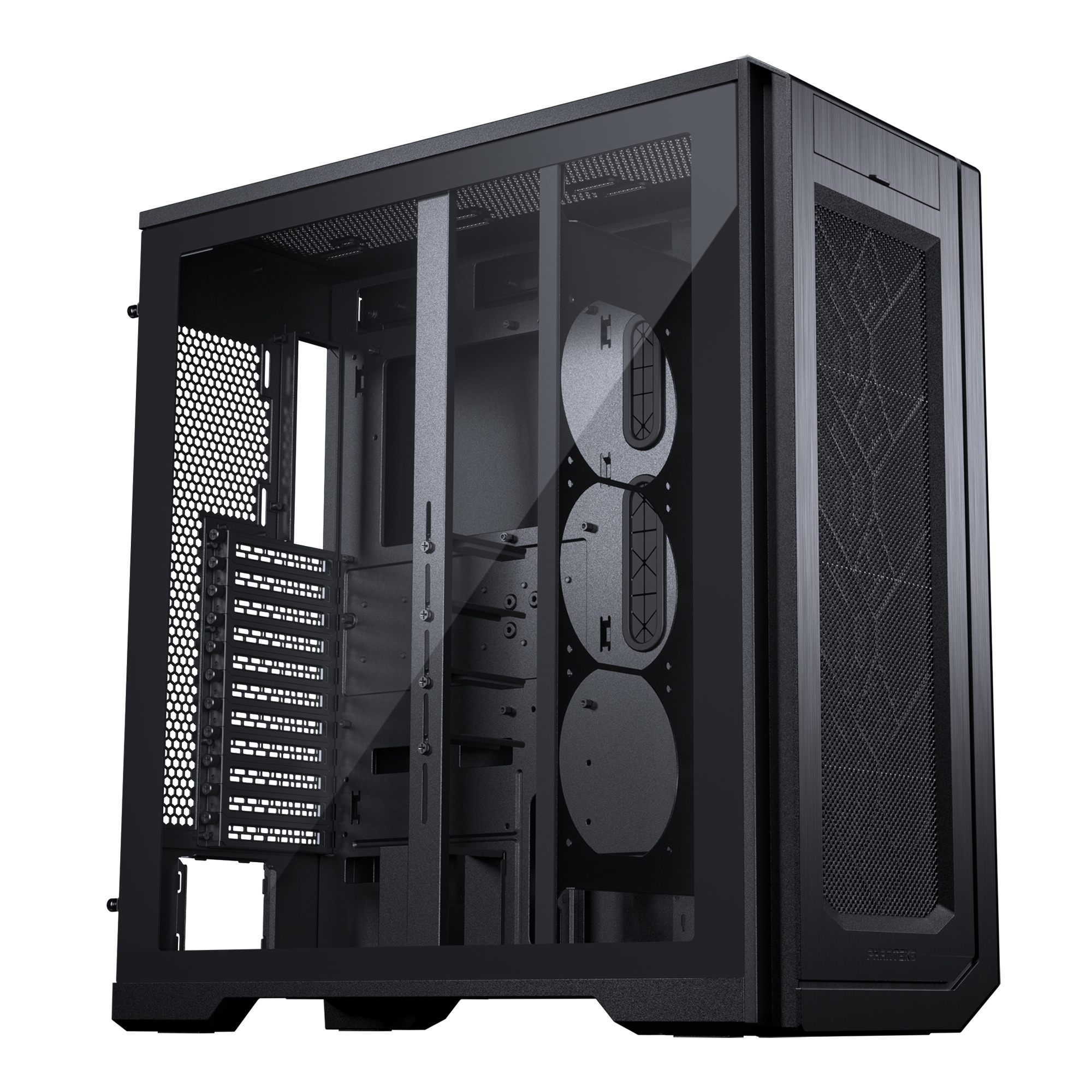
SKU: 5060506947198
£9,600.00 (inc VAT)
- Phanteks ENTHOO PRO 2 Black
- AMD Ryzen Threadripper Pro 5995WX 64 Core
- ASUS PRO WS WRX80E-SAGE SE Workstation ECC
- NVIDIA GeForce RTX 5080 16GB GPU
- 64GB DDR4 ECC RDIMM 3200MHz (4x16GB)
- 1TB M.2 PCIe 4.0 NVMe SSD
- 2TB Seagate BarraCuda 3.5in SATA HDD
- Be Quiet! Silent Loop 3 420mm All-in-one
- Contour 850W ATX 3.1 PSU
- Built in Wi-Fi and Bluetooth
- Built in 7.1 Sound Card
- Microsoft Windows® 11 Professional
- 4 x Be Quiet! Silent Wings 4 140mm Fans
Punch Technology Ltd
Meyer Building
Wirral International Business Park
Bromborough
Wirral
CH62 3RH
Technical Support Number: 0151 3179860
Head Office Number: 0151 3179860
Company Number: 10250445
VAT Number: 245 0802 29
Trade Mark: UK00003257797
FCA Number is 809833.