Building the perfect PC for DaVinci Resolve
DaVinci Resolve has become one of the most powerful and popular tools for professional video editing, colour grading, VFX, and audio post-production. It’s an application that can use every bit of power your workstation can provide. From real-time playback of high-resolution footage to complex Fusion effects and final export, choosing the right hardware is key to a smooth and productive workflow.
While Blackmagic Design lists minimum and recommended requirements for Resolve, these only cover the bare basics. To get truly optimised performance, especially when working with 4K, 8K, RAW formats, or multiple nodes and effects, you need to carefully balance CPU, GPU, memory, and storage.
Key hardware considerations for DaVinci Resolve
Processor (CPU)
Unlike some creative applications that are primarily CPU-driven, DaVinci Resolve relies heavily on both the CPU and GPU. The CPU is most important for general editing tasks, managing codecs, handling compression/decompression, and smooth timeline performance.
Resolve does scale fairly well with higher core counts, but clock speed remains important for responsiveness. For most editors, a balance of fast single-core performance and enough cores to handle background processing is ideal.
Best CPUs for DaVinci Resolve

Intel Core Ultra 9 285K
With high boost clocks and a hybrid architecture optimised for both single-threaded and multi-threaded workloads, the Ultra 9 285K is an excellent choice for Resolve. It provides responsive editing performance and quick exports, while also being well-suited for users who switch between Resolve and other creative apps.
Ryzen 9 9950X3D
The 16-core, 32-thread 9950X3D, enhanced with AMD’s 3D V-Cache technology, is superb for projects with complex timelines and effects. The large cache boosts performance in playback and render previews, while the high core count ensures efficiency when exporting or working with multiple applications alongside Resolve.

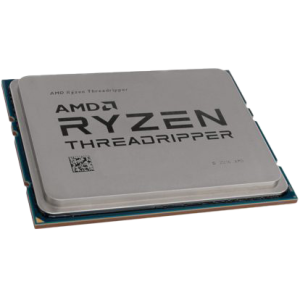
AMD Ryzen Threadripper 9970X
For extreme workloads in 8K RAW, multi-camera timelines, or projects with heavy Fusion/VFX integration, the Threadripper 9970X is a powerhouse. With 32 cores and massive memory bandwidth, it excels at high-end post-production and can easily handle concurrent tasks across Resolve, After Effects, and 3D rendering software.
Graphics card (GPU)
If there’s one component you should prioritise in a DaVinci Resolve PC, it’s the graphics card. Resolve is more GPU-accelerated than nearly any other video editing application, especially for colour grading, noise reduction, and Fusion effects. Multiple GPUs are supported, but even a single powerful GPU can make a dramatic difference.
-
Minimum VRAM: 12GB
-
Recommended VRAM: 16–24GB for 4K/8K timelines
-
Best practice: Prioritise GPU over CPU if your budget is limited.
Best GPUs for DaVinci Resolve
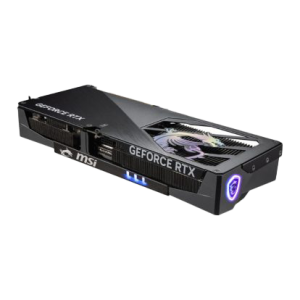
NVIDIA RTX 5080
Offers stellar performance for 4K grading, Fusion work, and speedier exports, while keeping power and price balanced.
NVIDIA RTX 5090
The ultimate pick for 8K workflows, heavy node-based effects, and multicam editing setups.
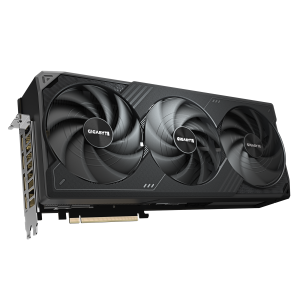
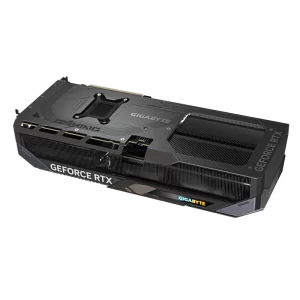
NVIDIA RTX 5070 Ti
Good performance for 4K editing and grading at more accessible price points. Excellent value especially with DLSS 4 acceleration.
Memory (RAM)
Resolve benefits significantly from ample system memory, especially when working with high-resolution footage and complex projects. While playback and grading lean on the GPU, RAM determines how much data can be stored and accessed quickly during editing.
-
Minimum RAM: 32GB
-
Recommended RAM: 64GB for 4K editing and colour grading
-
High-end setups: 128GB+ for 8K, Fusion, or simultaneous use of Resolve, After Effects, and 3D software
Storage (HDD/SSD/NVME)
Video editing in Resolve demands both speed and capacity. Footage, cache, and project files can easily consume terabytes of storage, and slow drives will bottleneck even the best CPU/GPU setup.
We recommend a multi-drive configuration for optimal performance:
-
Primary Drive (OS & Applications): 1TB NVMe SSD for Windows and Resolve installation.
-
Secondary Drive (Media): 2TB+ NVMe SSD for active project media — crucial for smooth playback.
-
Tertiary Drive (Cache/Scratch Disk): Fast NVMe SSD dedicated to Resolve’s cache and previews.
-
Archive Drive: Large HDD or SSD for completed projects and long-term storage.
RECOMMENDED DAVINCI RESOLVE PCS
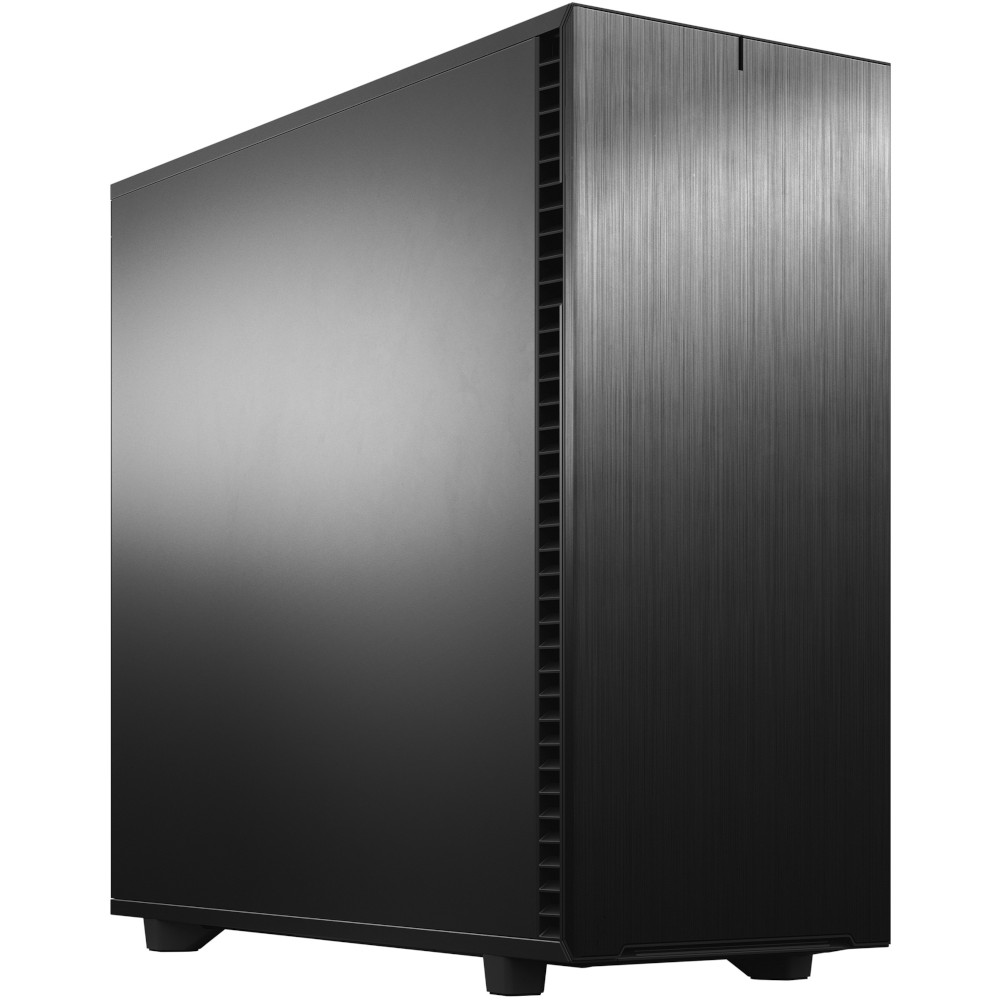
SKU: 5060506946962
£14,376.00 (inc VAT)
- Fractal Design Define 7 XL Solid
- AMD Ryzen Threadripper Pro 9975WX CPU 32 Core 64 Thread 4.0/5.4GHz
- ASUS Pro WS TRX50-SAGE WIFI Motherboard
- NVidia GeForce RTX 5090 32GB GDDR7 GPU
- 128GB DDR5 RDIMM 5600MHz CL46 (4x32GB)
- 1TB NVMe M.2 SSD (up to 6000MB/R, 4000MB/W)
- 4TB WD Black SN7100 M.2 PCIe 4.0 NVMe SSD [7250MB/s R, 6900MB/s W]
- 16TB Seagate 3.5″ Ironwolf Pro HDD, 2 Years Rescue+DataRecovery on registration
- be quiet! Silent Loop 3 420mm All-in-one liquid cooler
- Corsair HX1500i 1500W 80 Plus Platinum Fully Modular PSU
- Built in Wi-Fi and Bluetooth
- Built in 5.1 Sound Card
- Microsoft Windows® 11 Professional
SKU: 5060506946955
£5,403.00 (inc VAT)
- Fractal Design Define 7 XL Solid
- Intel Core Ultra 9 285K 3.7/5.7GHz 24 Core CPU
- Asrock Phantom Z890 NOVA WIFI Motherboard
- NVidia GeForce RTX 5080 16GB GDDR7 GPU
- 96GB Kingston Fury Renegade DDR5 6000MHz CL32 (2x48GB)
- 2TB Crucial T710 M.2 NVMe PCIe 5.0 SSD (14500MB/R, 13800MB/W)
- 4TB Samsung 990 Pro M.2 NVMe PCIe 4.0 SSD (7450MB/R, 6900MB/W)
- 12TB Seagate 3.5″ Ironwolf Pro HDD, 2 Years Rescue+DataRecovery on registration
- Corsair NAUTILUS 360 RS Liquid CPU Cooler
- 1000W – FSP Vita 80+ Gold Modular ATX 3.1 PCIe5.1 PSU
- Built in Wi-Fi and Bluetooth
- Built in 5.1 Sound Card
- Microsoft Windows® 11 Professional
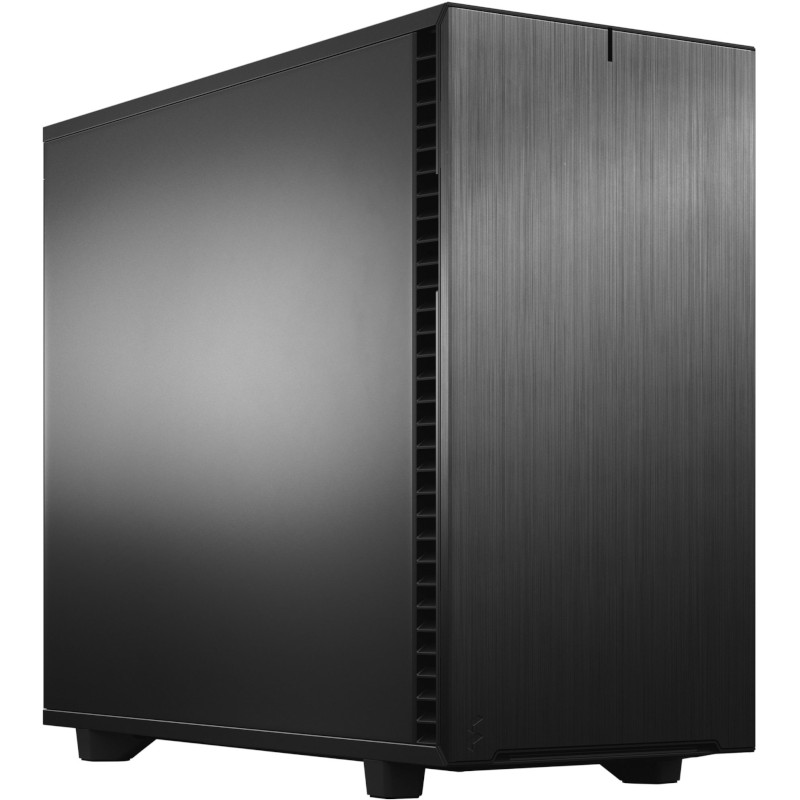
SKU: 5060506946948
£4,481.00 (inc VAT)
- Fractal Design Define 7 Black Solid
- Intel Core Ultra 9 285K 3.7/5.7GHz 24 Core CPU
- Asrock Phantom Z890 NOVA WIFI Motherboard
- NVidia GeForce RTX 5070 Ti 16GB GDDR7 GPU
- 64GB Kingston DDR5 6000MHz CL30 (2x32GB)
- 1TB WD Black SN7100 M.2 PCIe 4.0 NVMe SSD [7250MB/s R, 6900MB/s W]
- 4TB WD Black SN7100 M.2 PCIe 4.0 NVMe SSD [7250MB/s R, 6900MB/s W]
- 12TB Seagate 3.5″ Ironwolf Pro HDD, 2 Years Rescue+DataRecovery on registration
- be quiet! Silent Loop 3 360mm All-in-one liquid cooler
- Contour 850W ATX 3.1 High Efficiency PSU
- Built in Wi-Fi and Bluetooth
- Built in 5.1 Sound Card
- Microsoft Windows® 11 Professional

SKU: 5060506946931
£3,464.00 (inc VAT)
- Lian Li LANCOOL 217 Case – Black/Wood
- Intel Core Ultra 9 285 2.5/5.6GHz 24 Core CPU
- Gigabyte Z890 AORUS ELITE WIFI7 Motherboard
- AMD Radeon RX 9070 XT 16GB
- 64GB Kingston DDR5 6000MHz CL30 (2x32GB)
- 1TB NVMe M.2 SSD (up to 6000MB/R, 4000MB/W)
- 2TB NVMe M.2 SSD (up to 5000MB/R, 4200MB/W)
- 8TB Seagate 3.5″ Ironwolf Pro HDD, 2 Years Rescue+DataRecovery on registration
- Corsair NAUTILUS 360 RS Liquid CPU Cooler
- Contour 850W ATX 3.1 High Efficiency PSU
- Built in Wi-Fi and Bluetooth
- Built in 5.1 Sound Card
- Microsoft Windows® 11 Home
Punch Technology Ltd
Meyer Building
Wirral International Business Park
Bromborough
Wirral
CH62 3RH
Technical Support Number: 0151 3179860
Head Office Number: 0151 3179860
Company Number: 10250445
VAT Number: 245 0802 29
Trade Mark: UK00003257797
FCA Number is 809833.