Building the perfect workstation for AI Development and Machine Learning
Artificial Intelligence and Machine Learning have become some of the most resource-hungry workloads in modern computing. From prototyping models in Python and R, to training deep neural networks in TensorFlow or PyTorch, to experimenting with cutting-edge architectures like transformers, your workstation needs to be designed to keep up with your ambitions.
While you can technically train models on modest hardware, serious AI development benefits enormously from a carefully balanced machine. Choosing the right CPU, GPU, memory, and storage is what will determine whether your experiments finish in hours or drag on for days.
Key hardware considerations for AI and Machine Learning
Processor (CPU)
Although GPUs have taken centre stage in modern AI workloads, the CPU still lays the foundation. Data preprocessing, augmentation, and certain non-GPU workloads (such as classical machine learning models in scikit-learn or large-scale statistical analysis) remain CPU-bound.
A strong CPU also ensures that your GPUs aren’t starved of data, and that your system can handle multiple training jobs, monitoring tools, and background processes simultaneously.
Best CPUs for Machine Learning
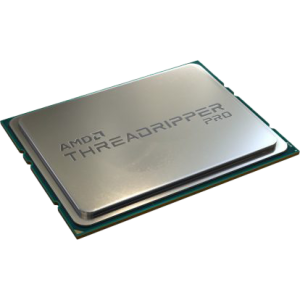
AMD Ryzen Threadripper™ PRO 9975WX
Outstanding multi-core performance, vast PCIe lane availability for multi-GPU setups, and high memory bandwidth. Read our hands on report with the AMD Ryzen 9 9975WX
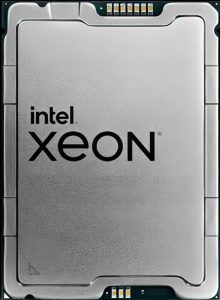
Intel Xeon W-3400 Series
Enterprise-grade reliability, ECC memory support, and excellent PCIe scalability for GPU-heavy workstations.
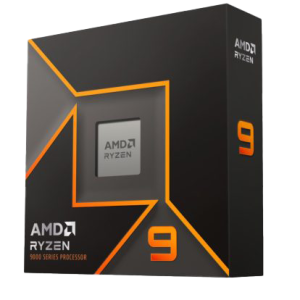
Ryzen 9 9950X
A strong option for single-GPU setups, with excellent single-core speeds for general development and preprocessing.
How many cores do I need?
-
At least 16 cores is recommended for serious AI development.
-
A good rule of thumb: 4 CPU cores per GPU for balanced throughput.
-
For very CPU-heavy preprocessing or hybrid workflows, 32–64 cores may be ideal.
Graphics card (GPU)
The GPU is the single most important component for modern AI workloads. Training deep learning models is highly parallelisable, and NVIDIA’s CUDA and Tensor cores have become the industry standard for accelerating AI.
NVIDIA RTX 5090 – Exceptional raw performance, ideal for training large models locally.
NVIDIA RTX 5080 – A more cost-effective choice, still excellent for medium to large models.
NVIDIA RTX Pro 6000 Blackwell – With up to 96GB of VRAM, this workstation GPU excels at ultra-large datasets, 3D imaging, and transformer-based models.
NVIDIA A100 / H100 (data centre GPUs) – Overkill for most, but unbeatable in terms of performance for enterprise-level AI research.
How much VRAM do I need?
Entry-level deep learning: 128GB VRAM minimum.
Mid-range workloads (CNNs, smaller transformers): 24-32GB VRAM.
Large models (LLaMA, GPT-style, high-res vision models: 49-96GB VRAM.
Memory (RAM)
Your system memory must be able to keep pace with your GPU memory. A general rule: at least 2x the system RAM compared to total GPU VRAM. For example, if you have two GPUs with 24GB each (48GB VRAM total), you’ll want 96GB of RAM.
Recommended RAM for AI Workstations
Minimum: 64GB RAM (for entry to mid-level training).
Recommended: 128GB RAM (for multi-GPU setups or larger models).
High-end: 256GB-1TB RAM (for extreme datasets, advanced research, or when working with massive transformer models).
ECC (error-correcting) memory is advisable for long training jobs to ensure stability.
Storage (HDD/SSD/NVME)
Fast storage is essential for loading massive datasets, writing checkpoints, and streaming training data.
Recommended setup:
Primary drive (OS + software): 1TB NVMe SSD.
Secondary drive (datasets): 2-8TB NVMe SSD for working datasets.
Tertiary drive (backup/archive): Large HDDs (12TB+) or (NAS).
If you frequently work with very large datasets, consider RAID or high-speed NAS for both redundancy and performance.
RECOMMENDED AI DEVELOPMENT WORKSTATIONS
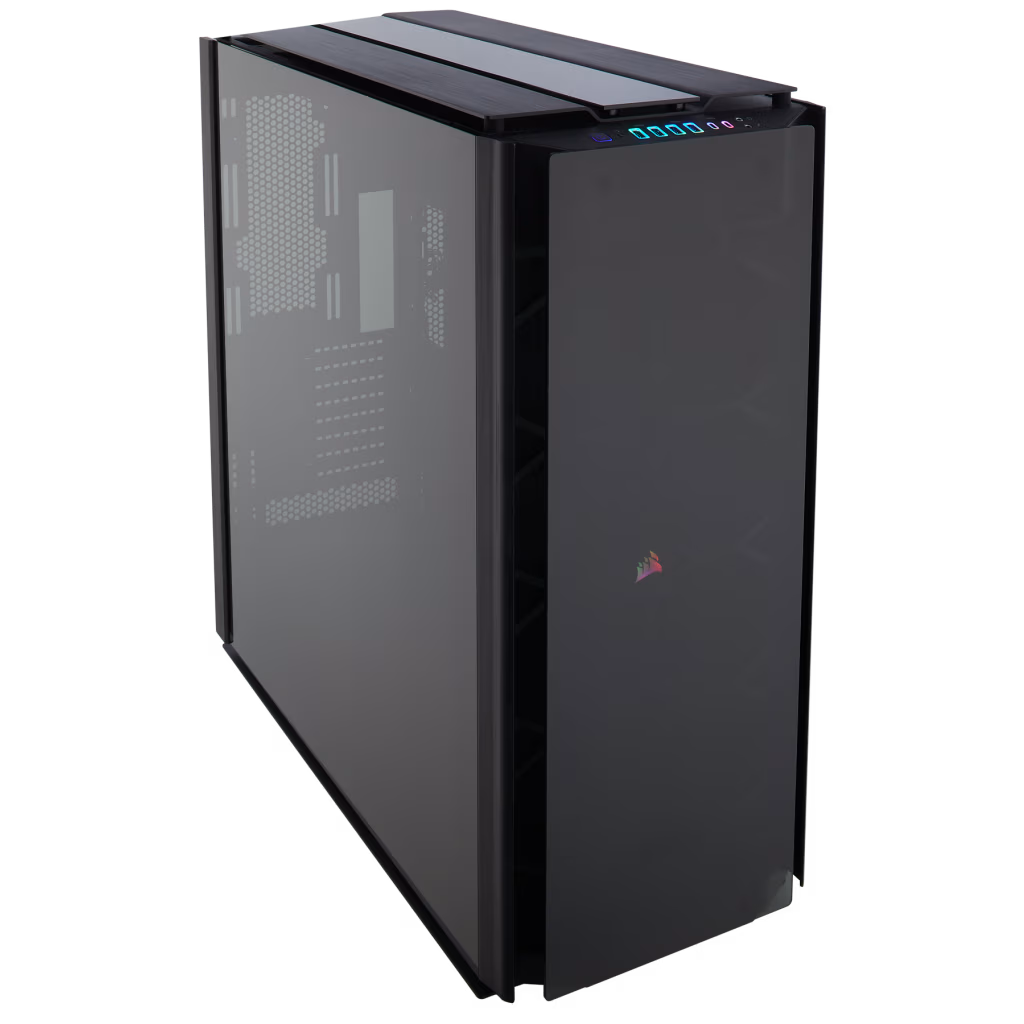
SKU: 5060959094081
£33,858.00 (inc VAT)
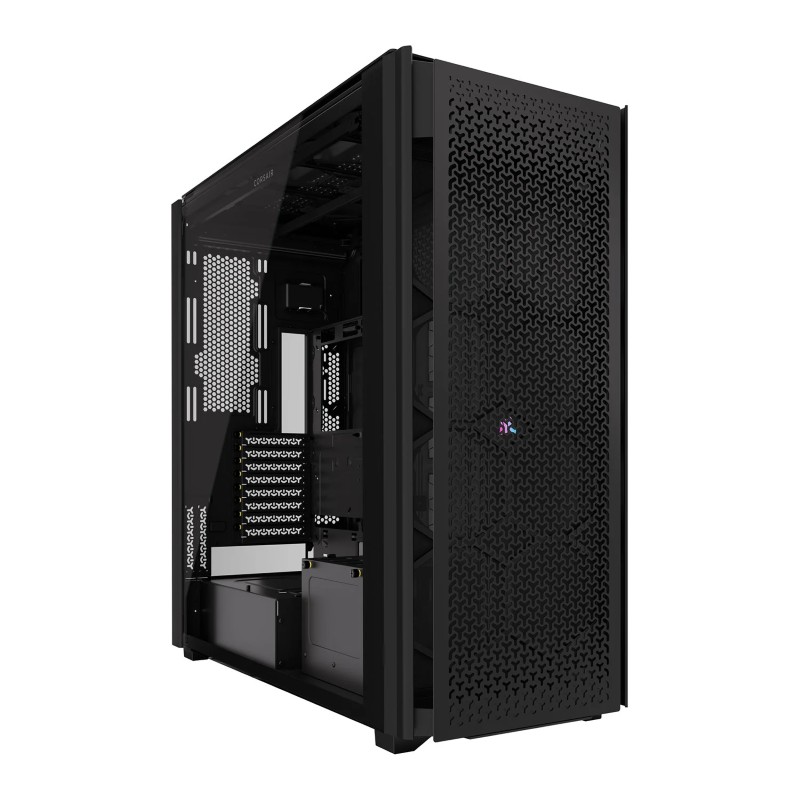
- Corsair Obsidian Series 1000D Case
- AMD Ryzen Threadripper Pro 9995WX CPU 96 Core 192 Thread 2.5/5.4GHz
- ASUS Pro WS WRX90E-SAGE SE Workstation Motherboard
- Triple NVidia GeForce RTX 5090 32GB GDDR7 GPU
- 256GB DDR5 RDIMM 5600MHz CL46 (4x64GB)
- 2TB Crucial T710 M.2 NVMe PCIe 5.0 SSD (14500MB/R, 13800MB/W)
- be quiet! Silent Loop 3 420mm All-in-one liquid cooler
- 3300W Dual 2000w ATX + 1300w SFX ATX 3.0 Power Supply
- Built in 5.1 Sound Card
- Microsoft Windows® 11 Professional
- 10 x Be Quiet! Silent Wings Pro 4 PWM High Speed – Black 120mm Case Fans
SKU: 5060959094098
£24,612.00 (inc VAT)
- Corsair 9000D RGB Airflow Tower Case
- AMD Ryzen Threadripper 9960X CPU 24 Core 48 Thread 4.2/5.4GHz
- Gigabyte TRX50 AI TOP-2B Threadripper Motherboard
- Triple NVidia GeForce RTX 5090 32GB GDDR7 GPU
- 256GB DDR5 RDIMM 5600MHz CL46 (4x64GB)
- 2TB WD Black SN7100 M.2 PCIe 4.0 NVMe SSD [7250MB/s R, 6900MB/s W]
- Arctic Freezer 4U-M CPU Cooler
- 3300W Dual 2000w ATX + 1300w SFX ATX 3.0 Power Supply
- Built in 5.1 Sound Card
SKU: 5060959093381
£63,207.00 (inc VAT)
- Corsair 9000D RGB Airflow Tower Case
- AMD Ryzen Threadripper Pro 5975WX CPU 32 Core 64 Thread 3.6/4.5GHz
- Asus PRO WS WRX80E-SAGE SE WIFI Workstation Motherboard
- NVIDIA RTX PRO 6000 96GB Blackwell Max-Q Workstation 300W
- NVIDIA RTX PRO 6000 96GB Blackwell Max-Q Workstation 300W
- Dual NVidia RTX PRO 6000 96GB Blackwell Max-Q Workstation 300W
- 512GB DDR4 3200Mhz RDIMM (8x64GB)
- 1TB NVMe M.2 SSD (up to 6000MB/R, 4000MB/W)
- 2TB WD Black SN7100 M.2 PCIe 4.0 NVMe SSD [7250MB/s R, 6900MB/s W]
- be quiet! Silent Loop 3 420mm All-in-one liquid cooler
- 2500W – FSP Cannon Pro 80+ Gold Modular PCIe Gen 5, ATX 3.1 PSU
- Built in Wi-Fi and Bluetooth
- Built in 5.1 Sound Card
- Microsoft Windows® 11 Professional
- 10 x Be Quiet! Silent Wings Pro 4 PWM High Speed – Black 120mm Case Fans

SKU: 5060959094494
£5,598.00 (inc VAT)
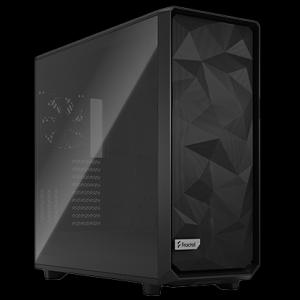
- Fractal Design Epoch XL Tower Black
- AMD Ryzen 9 9950X3D2 4.3 GHz 16-Core CPU – 5.6GHz Turbo
- Gigabyte X870 EAGLE WIFI7 ATX Motherboard
- NVidia GeForce RTX 5090 32GB GDDR7 GPU
- 64GB DDR5 6000MHz Memory (2x32GB)
- 2TB NVMe M.2 SSD (up to 5000MB/R, 4200MB/W)
- MSI MAG CORELIQUID A13 360mm Black
- 1000W – FSP Vita 80+ Gold Modular ATX 3.1 PCIe5.1 PSU
- Built in Wi-Fi and Bluetooth
- Built in 5.1 Sound Card
- Microsoft Windows® 11 Home
Explore our AI and HPC solutions:
Punch Technology Ltd
Meyer Building
Wirral International Business Park
Bromborough
Wirral
CH62 3RH
Technical Support Number: 0151 3179860
Head Office Number: 0151 3179860
Company Number: 10250445
VAT Number: 245 0802 29
Trade Mark: UK00003257797
FCA Number is 809833.