Building the perfect workstation for scientific computing
Scientific computing is a broad field covering everything from computational physics and fluid dynamics, to molecular modelling, genomics, and large-scale engineering simulations. Workloads in this space can stress nearly every part of a system; from raw CPU power to memory bandwidth, GPU acceleration, and fast storage throughput.
Whether you’re running finite element analysis (FEA), solving complex numerical models, or building custom research code, your workstation should be optimised to handle the unique characteristics of your workload. While vendor “system requirements” can be useful, they’re often outdated or too generic. The reality is that configuring the right workstation requires balancing compute, memory, and storage around the specific applications you run.
Key hardware considerations for Scientific Computing
Processor (CPU)
For many scientific workloads, the CPU remains the central performance driver. Simulation-heavy applications like computational chemistry, physics, or CFD often scale across many cores, but not infinitely.
Best CPUs for Scientific Computing
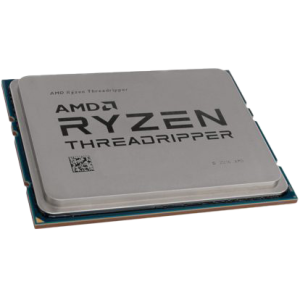
AMD Threadripper PRO 9995WX / 9975WX
Extremely high core counts, excellent memory bandwidth, and support for 8-channel memory.
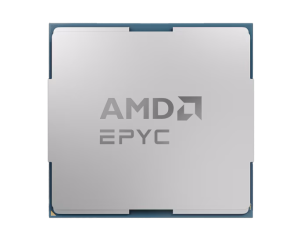
AMD Epyc 9004 Series
Exceptional for very large problems, with up to 12 memory channels per CPU.
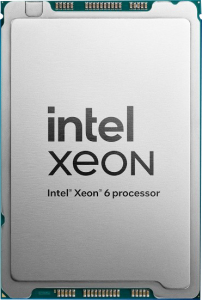
Intel Xeon W-3500
Enterprise-class reliability, AVX-512 support, and new AMX instructions beneficial for mixed precision workloads.
How many cores do I need?
-
For well-scaling applications: 32–64 cores can offer excellent performance.
-
For memory-bound codes: fewer cores with higher clocks may perform better.
-
A good rule of thumb: pair cores with sufficient memory bandwidth (4–8GB RAM per physical core).
Graphics card (GPU)
Many scientific applications now have GPU-accelerated versions that deliver orders-of-magnitude speed-ups compared to CPU-only execution. However, not all codes support GPU use, so your investment should align with your software stack.
-
NVIDIA RTX 5090 / 5080 – Excellent FP32 performance for GPU-accelerated codes.
-
NVIDIA RTX 6000 Blackwell – Up to 96GB VRAM, ideal for large datasets or visualisation workloads.
-
NVIDIA H200 / L40S (Compute GPUs) – For applications requiring strong double precision (FP64) performance.
How much VRAM do I need?
-
Entry-level GPU compute or visualisation: 12–16GB VRAM.
-
Medium workloads (molecular dynamics, smaller CFD models): 24–48GB VRAM.
-
Large-scale simulation or imaging datasets: 48–96GB VRAM.
-
Extreme cases (HPC workloads, quantum chemistry): 141GB VRAM (H200 NVL).
Do I need multiple GPUs?
Only if your application scales across them (via CUDA-aware MPI, Horovod, etc.). If it does, 2–4 GPUs can rival small supercomputers. If not, invest in a single, higher-memory GPU.
Memory (RAM)
Scientific codes are often memory-hungry. Large simulations or mesh-based solvers can easily consume hundreds of gigabytes of RAM, and memory bandwidth frequently becomes the bottleneck.
Recommended RAM
-
Minimum: 64GB – suitable for lighter simulation or research workloads.
-
Professional: 256–512GB – common for FEA, CFD, or molecular dynamics.
-
High-end: 1TB+ – for extremely large datasets or enterprise-scale research.
Rule of thumb: At least 2× system RAM vs. total GPU VRAM to avoid bottlenecks when running GPU-accelerated applications.
Storage (HDD/SSD/NVME)
Fast storage is critical for loading simulation data, writing results, and managing large datasets.
Recommended setup:
-
Primary (OS & software): 1TB NVMe SSD.
-
Secondary (working data): 2–8TB NVMe SSD or high-end SATA SSD.
-
Tertiary (archive/backup): Large-capacity HDDs (12TB+) or NAS.
Some codes also require “scratch space” for temporary data during computations. In those cases, a dedicated NVMe drive is ideal. For larger research groups, network-attached or software-defined storage may be a better long-term solution.
RECOMMENDED SCIENTIFIC COMPUTING WORKSTATIONS
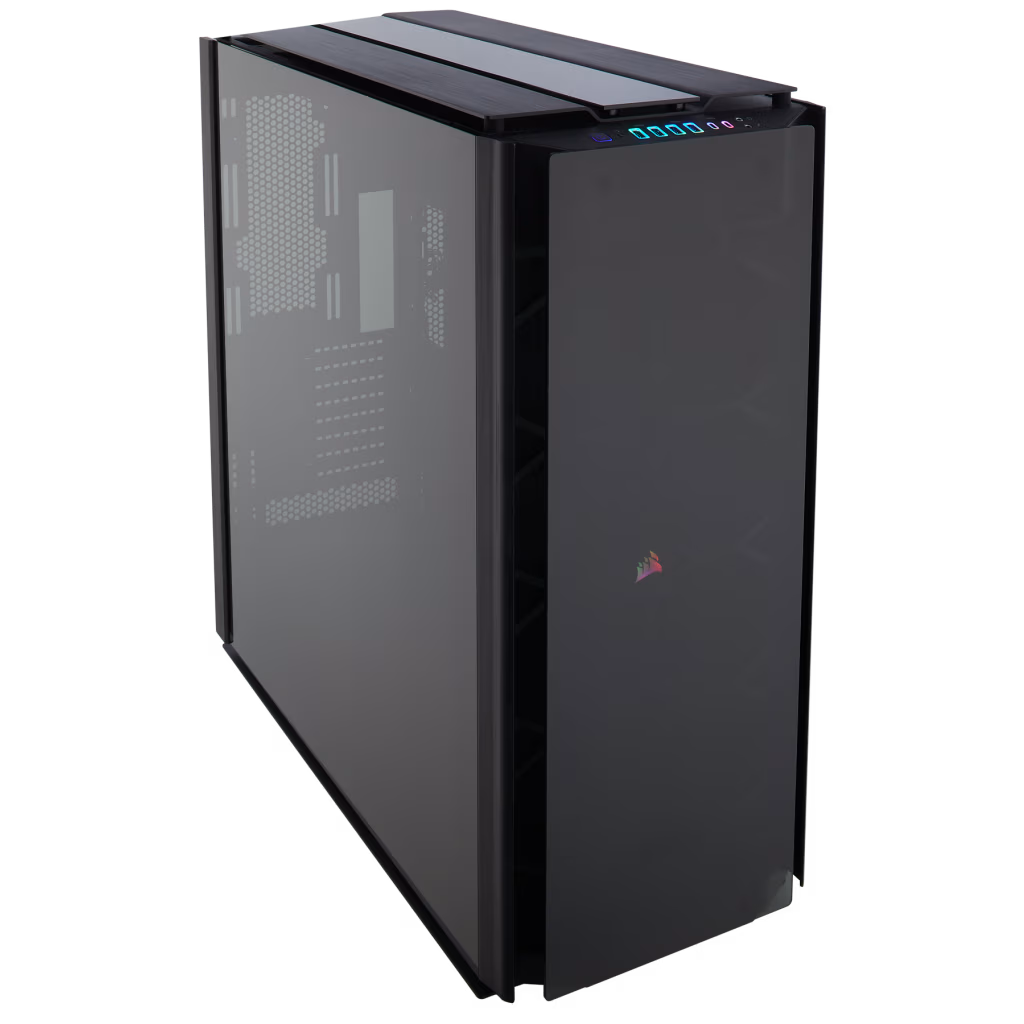
SKU: 5060959094081
£33,858.00 (inc VAT)
- Corsair Obsidian Series 1000D Case
- AMD Ryzen Threadripper Pro 9995WX CPU 96 Core 192 Thread 2.5/5.4GHz
- ASUS Pro WS WRX90E-SAGE SE Workstation Motherboard
- Triple NVidia GeForce RTX 5090 32GB GDDR7 GPU
- 256GB DDR5 RDIMM 5600MHz CL46 (4x64GB)
- 2TB Crucial T710 M.2 NVMe PCIe 5.0 SSD (14500MB/R, 13800MB/W)
- be quiet! Silent Loop 3 420mm All-in-one liquid cooler
- 3300W Dual 2000w ATX + 1300w SFX ATX 3.0 Power Supply
- Built in 5.1 Sound Card
- Microsoft Windows® 11 Professional
- 10 x Be Quiet! Silent Wings Pro 4 PWM High Speed – Black 120mm Case Fans
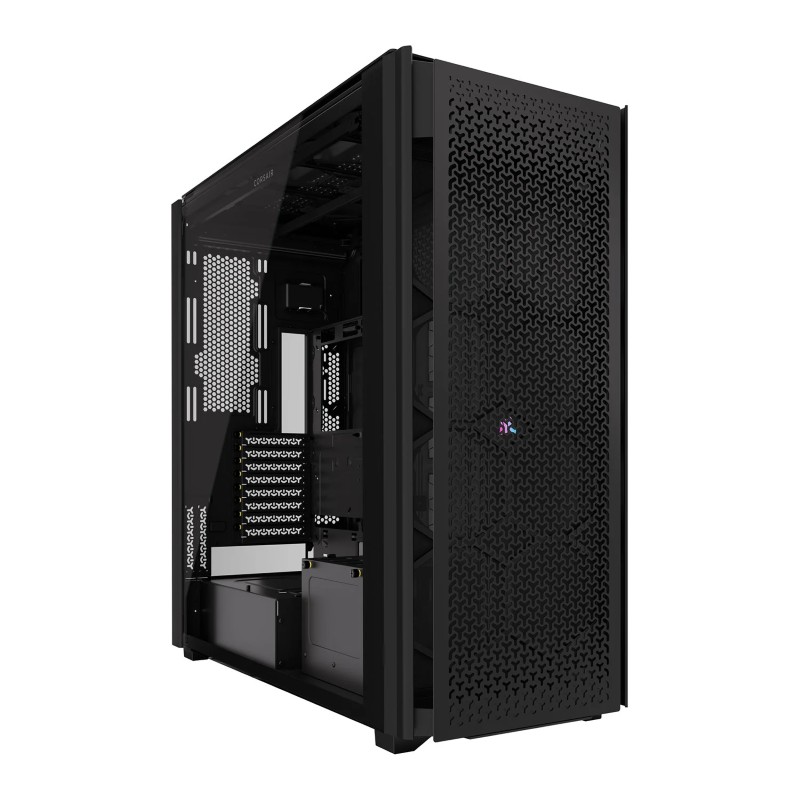
SKU: 5060959094098
£24,612.00 (inc VAT)
- Corsair 9000D RGB Airflow Tower Case
- AMD Ryzen Threadripper 9960X CPU 24 Core 48 Thread 4.2/5.4GHz
- Gigabyte TRX50 AI TOP-2B Threadripper Motherboard
- Triple NVidia GeForce RTX 5090 32GB GDDR7 GPU
- 256GB DDR5 RDIMM 5600MHz CL46 (4x64GB)
- 2TB WD Black SN7100 M.2 PCIe 4.0 NVMe SSD [7250MB/s R, 6900MB/s W]
- Arctic Freezer 4U-M CPU Cooler
- 3300W Dual 2000w ATX + 1300w SFX ATX 3.0 Power Supply
- Built in 5.1 Sound Card
SKU: 5060959093381
£63,207.00 (inc VAT)
- Corsair 9000D RGB Airflow Tower Case
- AMD Ryzen Threadripper Pro 5975WX CPU 32 Core 64 Thread 3.6/4.5GHz
- Asus PRO WS WRX80E-SAGE SE WIFI Workstation Motherboard
- NVIDIA RTX PRO 6000 96GB Blackwell Max-Q Workstation 300W
- NVIDIA RTX PRO 6000 96GB Blackwell Max-Q Workstation 300W
- Dual NVidia RTX PRO 6000 96GB Blackwell Max-Q Workstation 300W
- 512GB DDR4 3200Mhz RDIMM (8x64GB)
- 1TB NVMe M.2 SSD (up to 6000MB/R, 4000MB/W)
- 2TB WD Black SN7100 M.2 PCIe 4.0 NVMe SSD [7250MB/s R, 6900MB/s W]
- be quiet! Silent Loop 3 420mm All-in-one liquid cooler
- 2500W – FSP Cannon Pro 80+ Gold Modular PCIe Gen 5, ATX 3.1 PSU
- Built in Wi-Fi and Bluetooth
- Built in 5.1 Sound Card
- Microsoft Windows® 11 Professional
- 10 x Be Quiet! Silent Wings Pro 4 PWM High Speed – Black 120mm Case Fans

SKU: 409307
£20,956.00 (inc VAT)
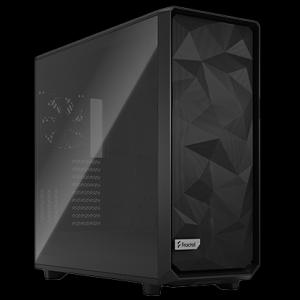
- Fractal Design Meshify 3 XL Light TG
- Intel Xeon W9-3495X CPU 56 Core 105MB Cache up to 4.8GHz
- ASUS PRO WS W790-ACE Intel W790 Workstation Motherboard
- NVidia GeForce RTX 5090 32GB GDDR7 GPU
- 256GB DDR5 RDIMM 4800MHz CL40 (4x64GB)
- 2TB NVMe M.2 SSD (up to 5000MB/R, 4200MB/W)
- Arctic Freezer 4U-M CPU Cooler
- Corsair HX1500i 1500W 80 Plus Platinum Fully Modular PSU
- Built in 5.1 Sound Card
- Microsoft Windows® 11 Professional
Explore our AI and HPC solutions:
Punch Technology Ltd
Meyer Building
Wirral International Business Park
Bromborough
Wirral
CH62 3RH
Technical Support Number: 0151 3179860
Head Office Number: 0151 3179860
Company Number: 10250445
VAT Number: 245 0802 29
Trade Mark: UK00003257797
FCA Number is 809833.