Building the perfect PC for Keyshot
When it comes to high-quality 3D rendering, KeyShot is one of the most popular choices for designers, product developers, and architects. Whether you’re producing photorealistic product visuals, animations, or VR content, your workstation should support fast rendering and smooth scene manipulation. Choosing the right components is critical to avoid bottlenecks and ensure that KeyShot runs efficiently, whether you’re using CPU or GPU rendering.
You can find the minimum and recommended KeyShot system requirements online, but these often only cover the bare minimum for the software to launch. To get optimal performance, it’s worth considering higher-end components that match your workload.
Key hardware considerations for Keyshot
Processor (CPU)
KeyShot performance varies depending on whether you’re using CPU or GPU rendering.
-
CPU Rendering: KeyShot scales very well with core count and clock speed, so a processor with many cores and high frequency is ideal. AMD Threadripper™ CPUs are particularly strong in this scenario. For example, the Threadripper™ PRO 9995WX with 96 cores is the fastest option, though expensive. A more budget-conscious choice is the 64-core Threadripper™ 9980X, which delivers over 80% of the top-end performance.
-
GPU Rendering: When using GPU rendering, CPU performance matters less. High clock speed processors with moderate core counts, such as Intel Core™ Ultra or AMD Ryzen™ CPUs, are sufficient. They also excel if you run other 3D or CAD applications alongside KeyShot.
Best CPUs for Adobe Photoshop
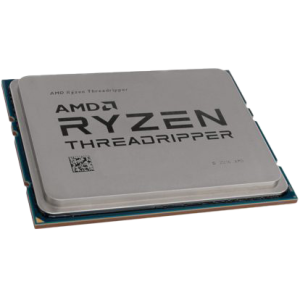
AMD Threadripper™ PRO 9980X
64 cores, excellent for heavy CPU rendering.
AMD Ryzen™ 9 7950X
High clock speed, great for GPU rendering and general 3D workloads.

How many cores do I need?
CPU rendering scales nearly linearly with cores, so more cores generally mean faster renders. For GPU rendering, more cores have diminishing returns, and high frequency is more valuable.
Graphics card (GPU)
KeyShot uses GPUs heavily in GPU rendering mode. Both the speed and the amount of VRAM are critical, particularly for complex scenes.
Best GPUs for KeyShot
-
NVIDIA GeForce RTX™ 5080 16GB – Solid performance for one or two cards, suitable for moderate scenes.
-
NVIDIA GeForce RTX™ 5090 32GB – Our top recommendation for GPU rendering; ample VRAM for demanding projects.
-
NVIDIA RTX PRO™ 6000 Blackwell Max-Q 96GB – For multi-GPU setups or very large scenes, professional-grade cards are ideal.
Multi-GPU setups
KeyShot scales nearly perfectly with multiple GPUs, so two or three cards can dramatically reduce render times. Professional GPUs offer additional benefits like higher VRAM, better cooling, and ECC memory for stability, though at a significantly higher cost.
-
KeyShot currently relies on NVIDIA CUDA for GPU rendering, so AMD GPUs are not supported in this mode.
-
NVLink/SLI is largely obsolete for modern GeForce and RTX PRO Blackwell cards, so it’s not a major consideration for new builds.
Memory (RAM)
RAM requirements depend on scene complexity and rendering mode:
-
CPU Rendering: 64GB is a solid minimum; 128GB or more is recommended for large, detailed scenes.
-
GPU Rendering: System RAM demand is lower, but VRAM on the GPU becomes critical.
RAM also affects multitasking, so having ample memory is important if you run KeyShot alongside CAD, modeling, or other design software.
Storage (HDD/SSD/NVME)
Fast storage is essential for loading scenes and managing project files:
-
Primary drive: A high-speed SSD (preferably NVMe, 1TB+) for the operating system, KeyShot, and active projects ensures quick load times and smooth workflow.
-
Secondary drive: A larger SSD or traditional hard drive can store older projects and asset libraries. NVMe SSDs provide faster access if budget allows.
-
Backup and long-term storage: HDDs or external arrays are cost-effective for backups. Network-attached storage (NAS) is ideal for sharing projects between multiple workstations and provides redundancy against drive failures.
RECOMMENDED KEYSHOT PCS
The ideal KeyShot workstation balances CPU and GPU power depending on your workflow:
-
CPU-focused rendering: AMD Threadripper™ PRO for maximum core count.
-
GPU-focused rendering: High-clock Intel or AMD CPUs with one or more NVIDIA RTX 50 Series GPUs.
-
Mixed workloads: A strong multi-core CPU with a powerful GPU ensures flexibility for both CPU and GPU rendering, while supporting other 3D software.
By selecting components that align with your rendering mode and project complexity, you can drastically improve performance, reduce render times, and maintain a smooth, responsive workflow in KeyShot.
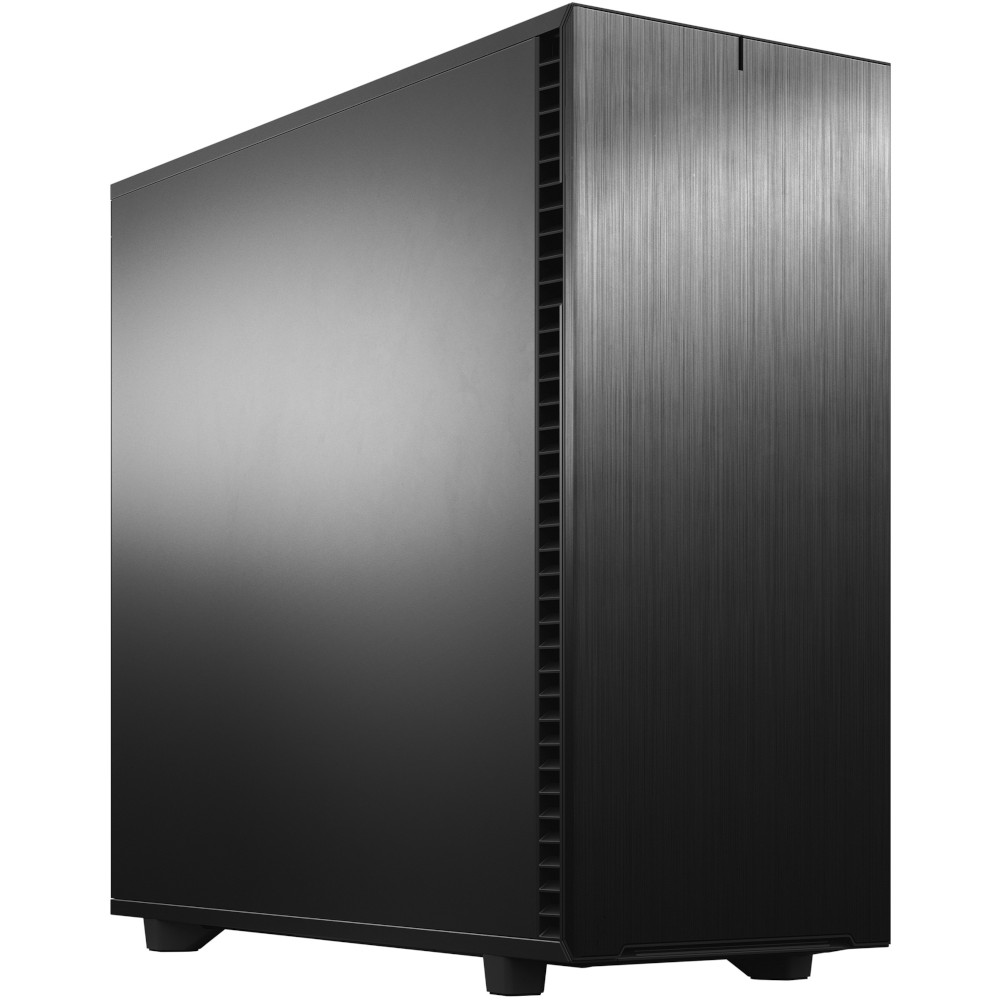
SKU: 5060506946962
£14,376.00 (inc VAT)
- Fractal Design Define 7 XL Solid
- AMD Ryzen Threadripper Pro 9975WX CPU 32 Core 64 Thread 4.0/5.4GHz
- ASUS Pro WS TRX50-SAGE WIFI Motherboard
- NVidia GeForce RTX 5090 32GB GDDR7 GPU
- 128GB DDR5 RDIMM 5600MHz CL46 (4x32GB)
- 1TB NVMe M.2 SSD (up to 6000MB/R, 4000MB/W)
- 4TB WD Black SN7100 M.2 PCIe 4.0 NVMe SSD [7250MB/s R, 6900MB/s W]
- 16TB Seagate 3.5″ Ironwolf Pro HDD, 2 Years Rescue+DataRecovery on registration
- be quiet! Silent Loop 3 420mm All-in-one liquid cooler
- Corsair HX1500i 1500W 80 Plus Platinum Fully Modular PSU
- Built in Wi-Fi and Bluetooth
- Built in 5.1 Sound Card
- Microsoft Windows® 11 Professional
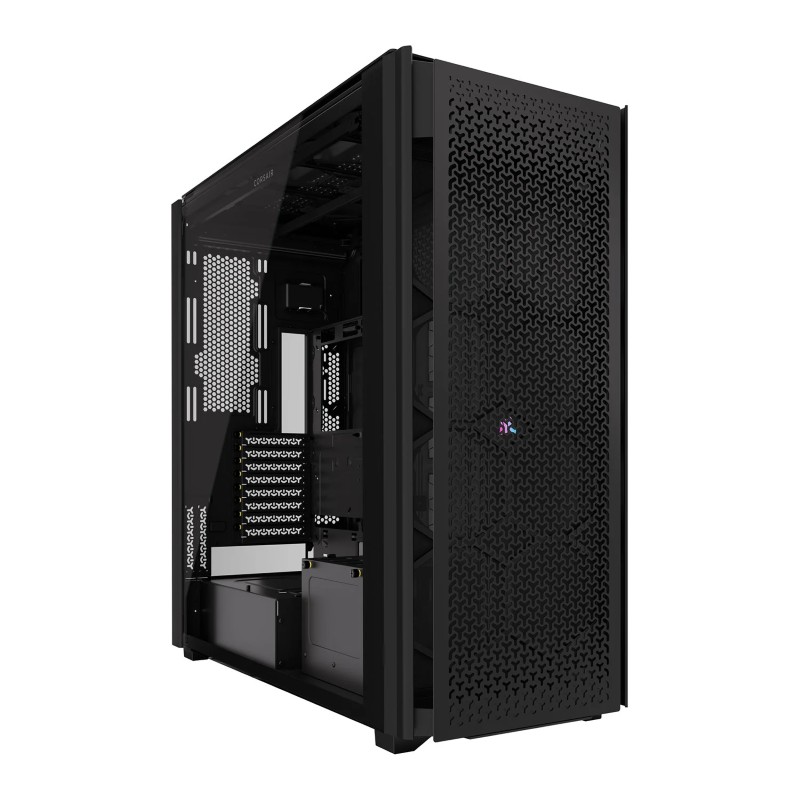
SKU: 5060959094098
£24,612.00 (inc VAT)
- Corsair 9000D RGB Airflow Tower Case
- AMD Ryzen Threadripper 9960X CPU 24 Core 48 Thread 4.2/5.4GHz
- Gigabyte TRX50 AI TOP-2B Threadripper Motherboard
- Triple NVidia GeForce RTX 5090 32GB GDDR7 GPU
- 256GB DDR5 RDIMM 5600MHz CL46 (4x64GB)
- 2TB WD Black SN7100 M.2 PCIe 4.0 NVMe SSD [7250MB/s R, 6900MB/s W]
- Arctic Freezer 4U-M CPU Cooler
- 3300W Dual 2000w ATX + 1300w SFX ATX 3.0 Power Supply
- Built in 5.1 Sound Card

SKU: 5060506947051
£4,221.00 (inc VAT)
- Professional V-Ray / 3ds Max Workstation
- AMD Ryzen 9 9950X 16-Core CPU
- NVIDIA RTX 5080 16GB GDDR7 GPU
- 96GB DDR5 5600MHz (2x48GB)
- 2x 2TB WD Black SN7100 NVMe SSD
- be quiet! Silent Loop 3 360mm AIO
- Gigabyte X870E AORUS ELITE WIFI7
- 1000W FSP VITA ATX 3.1 PSU
- Fractal Design Epoch XL Case
- Wi-Fi 7, Bluetooth & High-Speed USB
- Microsoft Windows 11 Professional
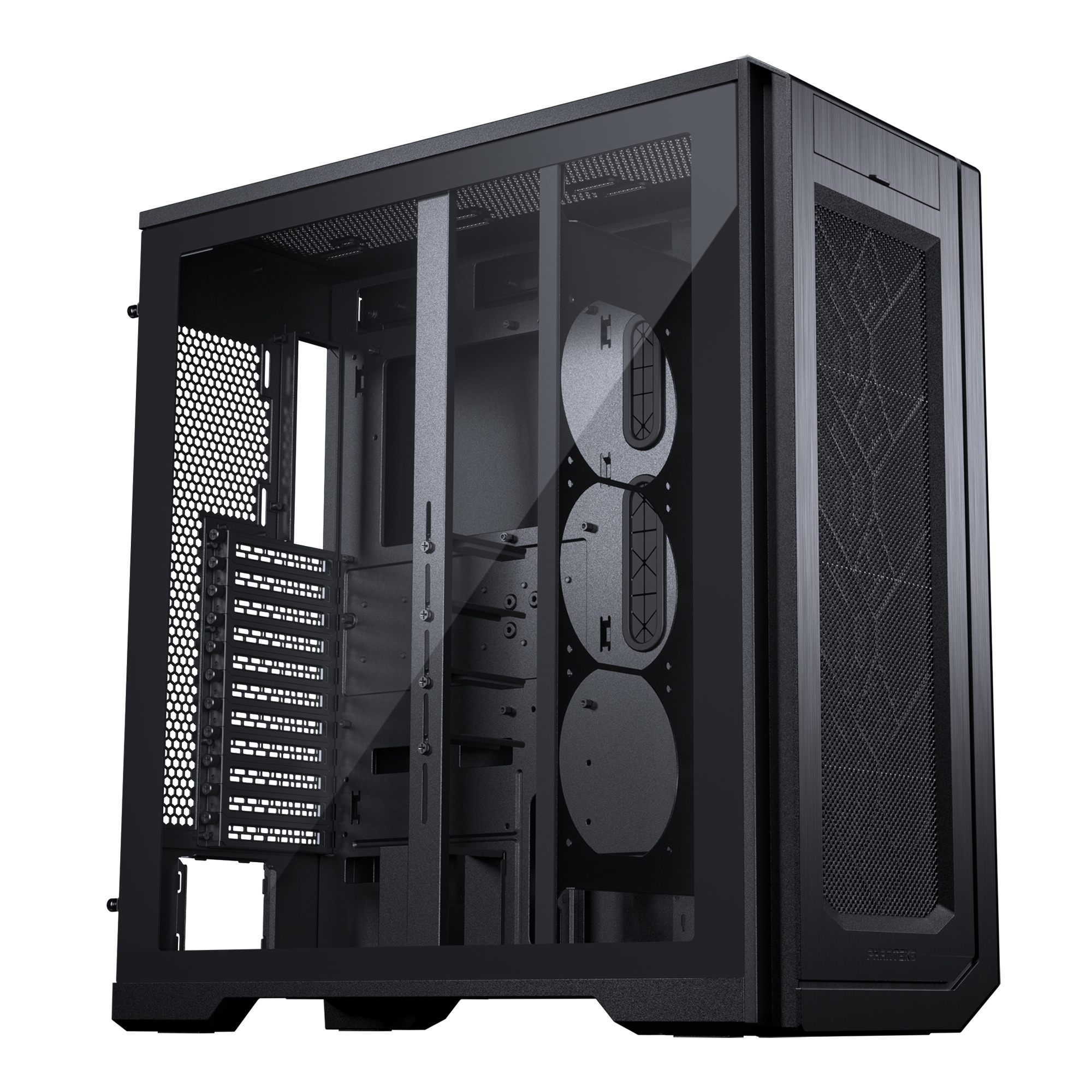
SKU: 5060506947198
£8,879.00 (inc VAT)
- Phanteks ENTHOO PRO 2 Black Case
- AMD Ryzen Threadripper Pro 5995WX CPU 64 Core 128 Thread 2.7/4.5GHz
- Asus PRO WS WRX80E-SAGE SE WIFI Workstation Motherboard
- NVidia GeForce RTX 5080 16GB GDDR7 GPU
- 64GB DDR4 3200MHz RDIMM (4x16GB)
- 1TB NVMe M.2 SSD (up to 6000MB/R, 4000MB/W)
- 2TB Seagate BarraCuda 3.5″ Hard Drive
- be quiet! Silent Loop 3 420mm All-in-one liquid cooler
- Contour 850W ATX 3.1 High Efficiency PSU
- Built in Wi-Fi and Bluetooth
- Built in 5.1 Sound Card
- Microsoft Windows® 11 Professional
- 4 x Be Quiet! Silent Wings 4 PWM – Black 140mm Case Fans
Punch Technology Ltd
Meyer Building
Wirral International Business Park
Bromborough
Wirral
CH62 3RH
Technical Support Number: 0151 3179860
Head Office Number: 0151 3179860
Company Number: 10250445
VAT Number: 245 0802 29
Trade Mark: UK00003257797
FCA Number is 809833.