Building the perfect PC for Adobe After Effects
Adobe After Effects is one of the most demanding creative applications you can run on a PC. Whether you’re working with 2D motion graphics, 3D compositing, or high-resolution video effects, After Effects can quickly push your system to its limits. A well-balanced workstation will help you cut down on render times, preview faster, and keep your creative workflow running smoothly.
Like many creative applications, After Effects doesn’t simply benefit from having the “biggest” or “most expensive” components, instead, it performs best on a carefully balanced system. Choosing the right CPU, GPU, RAM, and storage can make a huge difference to both speed and stability.
Key hardware considerations for Adobe After Effects
Processor (CPU)
After Effects relies heavily on CPU performance, particularly for rendering and applying effects. However, it doesn’t scale efficiently across very high core counts, meaning a balance of fast single-core performance and a reasonable number of cores is usually best.
-
Ideal cores: 8–16 cores
-
Why: Many effects in After Effects are still single-threaded, so raw clock speed matters more than having 32+ cores.
Best CPUs for Adobe After Effects

Intel Core Ultra 9 285K
With next-generation architecture, 24 cores (8 performance + 16 efficiency), and boost speeds exceeding 5.7GHz, the Ultra 9 285K is a top-tier choice for After Effects. It delivers exceptional single-threaded performance for timeline responsiveness, while its high efficiency core count helps accelerate renders and multitasking across multiple creative applications.
AMD Ryzen 9 9950X3D
Featuring 16 cores, 32 threads, and AMD’s 3D V-Cache technology, the Ryzen 9 9950X3D is a powerhouse for After Effects workflows. The massive cache boosts performance in preview rendering and effects-heavy projects, while the high core count ensures smooth multitasking across motion graphics, video editing, and 3D applications.

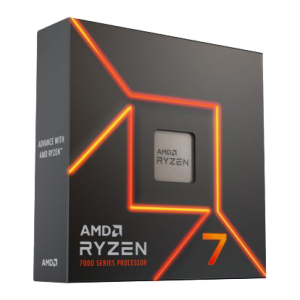
AMD Ryzen 7 7700X
A more affordable option, the Ryzen 7 7700X still delivers excellent performance with 8 cores, 16 threads, and clock speeds up to 5.4GHz, ideal if After Effects is your main focus.
How many cores do I need?
Adobe After Effects utilises multi-frame rendering (MFR) to render multiple frames simultaneously, compared to single-frame rendering. MFR makes ample use of all of your CPUs cores which is why core count is a huge consideration when building your system.
For heavy workloads and complex rendering, a multi-core CPU is an absolute necessity. If you have the budget, you may want to invest in a Threadripper CPU, not only for the huge number of cores, but also for the access to greater amounts of RAM and even multiple GPUs.
Graphics card (GPU)
While After Effects is primarily CPU-driven, the GPU has become increasingly important with Adobe’s ongoing support for GPU acceleration (Mercury GPU Acceleration). Tasks like 3D rendering, motion blur, colour correction, and certain effects run much faster on the GPU.
-
Minimum VRAM: 8GB
-
Recommended VRAM: 12GB+ for 4K projects and heavy effects
-
NVIDIA vs AMD: NVIDIA GPUs (RTX 30 & 40 series) generally offer better compatibility and CUDA acceleration, which gives them an edge for After Effects.
Memory (RAM)
After Effects is extremely RAM-hungry, especially when working on high-resolution, multi-layered compositions. More RAM allows you to preview longer timelines without needing to re-render.
-
Minimum RAM: 32GB
-
Recommended RAM: 64GB (especially for 4K+ workflows)
-
High-end setups: 128GB for complex motion graphics, VFX, or if you work in parallel with Premiere Pro, DaVinci Resolve, or 3D apps.
Storage (HDD/SSD/NVME)
Fast storage is critical in After Effects because of the constant use of cache files, previews, and large project assets.
We recommend a multi-drive setup for best results:
-
-
Primary Drive (OS & Applications): 1TB NVMe SSD for Windows and Adobe Creative Cloud applications.
-
Secondary Drive (Project Files): 2TB+ NVMe SSD for active projects and media assets.
-
-
-
Tertiary Drive (Cache/Scratch Disk): A dedicated high-speed SSD just for After Effects cache and previews.
-
-
-
Backup/Archive Drive: Large HDD or SSD for long-term project storage.
-
RECOMMENDED ADOBE AFTER EFFECTS PCS

SKU: 5060506947730
£6,683.00 (inc VAT)
- HAVN HS420 Premium Case Black + 8x The…
- AMD Ryzen 9 9950X 4.3GHz 16 Core CPU – 5.7GHz Turbo
- Gigabyte X870E AORUS ELITE WIFI7 ATX Motherboard
- NVidia GeForce RTX 5090 32GB GDDR7 GPU
- 128GB Crucial DDR5 5600Mhz CL46 (2x64GB)
- 1TB NVMe M.2 SSD (up to 6000MB/R, 4000MB/W)
- 16TB Seagate 3.5″ Ironwolf Pro HDD, 2 Years Rescue+DataRecovery on registration
- Corsair NAUTILUS 360 RS Liquid CPU Cooler
- Contour 1000W ATX 3.1 Full Modular High Efficiency PSU
- Built in Wi-Fi and Bluetooth
- Built in 5.1 Sound Card
- Microsoft Windows® 11 Professional

SKU: 5060506947051
£4,221.00 (inc VAT)
- Professional V-Ray / 3ds Max Workstation
- AMD Ryzen 9 9950X 16-Core CPU
- NVIDIA RTX 5080 16GB GDDR7 GPU
- 96GB DDR5 5600MHz (2x48GB)
- 2x 2TB WD Black SN7100 NVMe SSD
- be quiet! Silent Loop 3 360mm AIO
- Gigabyte X870E AORUS ELITE WIFI7
- 1000W FSP VITA ATX 3.1 PSU
- Fractal Design Epoch XL Case
- Wi-Fi 7, Bluetooth & High-Speed USB
- Microsoft Windows 11 Professional
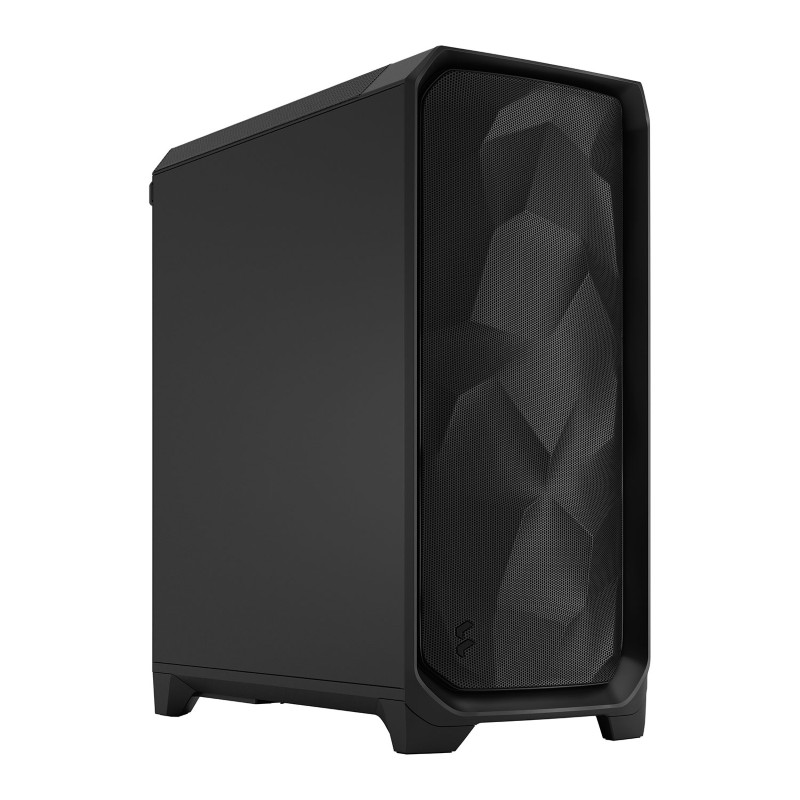
SKU: 5060506947402
£3,271.00 (inc VAT)
- Fractal Design Meshify 3 Black Solid
- AMD Ryzen Threadripper Pro 5965WX CPU 24 Core 48 Thread 3.8/4.5GHz
- Asrock WRX80D8-2T Threadripper Motherboard
- NVidia T400 4GB Professional GPU
- 64GB DDR4 3200MHz Memory (4x16GB)
- 1TB NVMe M.2 SSD (up to 6000MB/R, 4000MB/W)
- Arctic Freezer 4U-M CPU Cooler
- Contour 1000W ATX 3.1 Full Modular High Efficiency PSU
- Microsoft Windows® 11 Professional
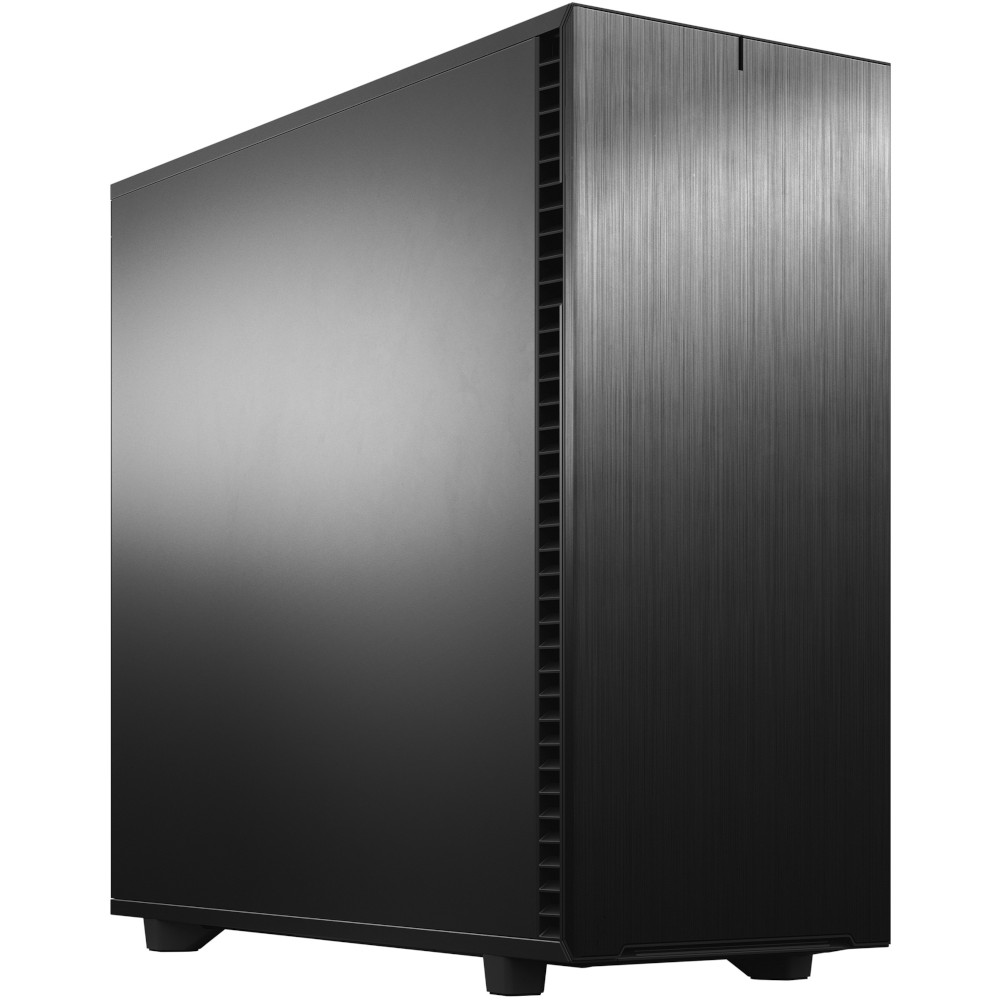
SKU: 5060506946955
£5,403.00 (inc VAT)
- Fractal Design Define 7 XL Solid
- Intel Core Ultra 9 285K 3.7/5.7GHz 24 Core CPU
- Asrock Phantom Z890 NOVA WIFI Motherboard
- NVidia GeForce RTX 5080 16GB GDDR7 GPU
- 96GB Kingston Fury Renegade DDR5 6000MHz CL32 (2x48GB)
- 2TB Crucial T710 M.2 NVMe PCIe 5.0 SSD (14500MB/R, 13800MB/W)
- 4TB Samsung 990 Pro M.2 NVMe PCIe 4.0 SSD (7450MB/R, 6900MB/W)
- 12TB Seagate 3.5″ Ironwolf Pro HDD, 2 Years Rescue+DataRecovery on registration
- Corsair NAUTILUS 360 RS Liquid CPU Cooler
- 1000W – FSP Vita 80+ Gold Modular ATX 3.1 PCIe5.1 PSU
- Built in Wi-Fi and Bluetooth
- Built in 5.1 Sound Card
- Microsoft Windows® 11 Professional
Punch Technology Ltd
Meyer Building
Wirral International Business Park
Bromborough
Wirral
CH62 3RH
Technical Support Number: 0151 3179860
Head Office Number: 0151 3179860
Company Number: 10250445
VAT Number: 245 0802 29
Trade Mark: UK00003257797
FCA Number is 809833.