Building the perfect PC for FL Studio
When it comes to producing, mixing, and mastering music in FL Studio, your PC should be a tool that empowers your creativity rather than interrupting it with lag, stuttering, or crashes. Whether you’re running multiple plugins, complex synths, or high-track-count projects, having the right hardware is crucial to keeping your workflow smooth and responsive.
While you can find minimum and recommended software requirements for FL Studio, these lists are often only designed to get the software running. To truly optimise your production environment, you’ll want to focus on components that handle demanding audio tasks efficiently.
Key hardware considerations for FL Studio
Processor (CPU)
The CPU is the heart of your music production setup. FL Studio relies heavily on single-core performance for real-time audio processing, but multi-core CPUs can also improve efficiency when rendering or bouncing tracks. Investing in a high-quality CPU ensures low-latency performance and smoother playback, even with multiple VST plugins loaded.
Best CPUs for FL Studio

Intel Core i9-14900K
With 24 cores (8 performance + 16 efficiency) and high boost clocks, this CPU handles multiple plugins, VSTs, and effects chains without breaking a sweat. Excellent single-core performance ensures low-latency recording.
Intel Core i7-14700K
Offering excellent single-core performance and multiple threads, it balances real-time audio processing with fast rendering.

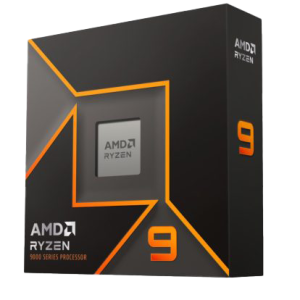
AMD Ryzen 9 7950X3D
With 16 cores and AMD’s 3D V-Cache, this CPU provides superb single-core and multi-core performance, perfect for both plugin-heavy projects and fast exports.
How many cores do I need?
FL Studio benefits most from strong single-core performance, so you’ll see diminishing returns beyond 8 high-performance cores for real-time audio processing. However, additional cores can help when exporting tracks or running background processes simultaneously.
Graphics card (GPU)
FL Studio is not GPU-intensive. However, if you’re working with video content, FL Studio’s ZGameEditor Visualizer, or other visual plugins, a modern GPU can help offload rendering tasks.
-
NVIDIA GeForce RTX 4060 / 4070 / 4080 / 50 series – ensures future-proofing and smooth visuals.
-
AMD Radeon RX 7800 / 7900 series – excellent alternative for video visualisation and any GPU-accelerated plugins.
For most users, a mid-range GPU is sufficient. High-end GPUs are only needed for multi-monitor setups or video-heavy workflows.
Memory (RAM)
RAM is essential for handling large projects and sample libraries.
-
16GB minimum – suitable for small projects and basic plugin use.
-
32GB recommended – ideal for medium to large projects with multiple plugins and sample libraries.
-
64GB+ – necessary for extremely complex compositions, orchestral libraries, or running multiple DAWs simultaneously.
Storage (HDD/SSD/NVME)
Fast storage reduces load times for samples and projects, and ensures smooth streaming of audio libraries.
Recommended setup:
-
Primary drive (OS + FL Studio) – NVMe SSD for fastest loading times.
-
Secondary drive (projects & samples) – high-capacity SSD to store your projects, sample packs, and plugins.
-
Optional tertiary drive – useful for scratch space, caching, or backups.
RECOMMENDED FL STUDIO PCS

SKU: 5060959090380
£1,625.00 (inc VAT)
- Lian Li LANCOOL 217 Case – Black/Wood
- Intel Core i5-14600KF 3.5/5.3GHz 14 Core, 20 Thread CPU
- Gigabyte Z790 Eagle AX Motherboard
- NVidia GeForce RTX 5060 8GB GDDR7 GPU
- 16GB Crucial DDR5 5600MHz Memory (2x8GB)
- 1TB NVMe M.2 SSD (up to 6000MB/R, 4000MB/W)
- Thermalright Peerless Assassin 120 Mini 230W CPU Cooler
- Contour 750W ATX 3.1 High Efficiency PSU
- Built in Wi-Fi and Bluetooth
- Built in 5.1 Sound Card
- Microsoft Windows® 11 Home
SKU: 5060506946955
£6,328.00 (inc VAT)
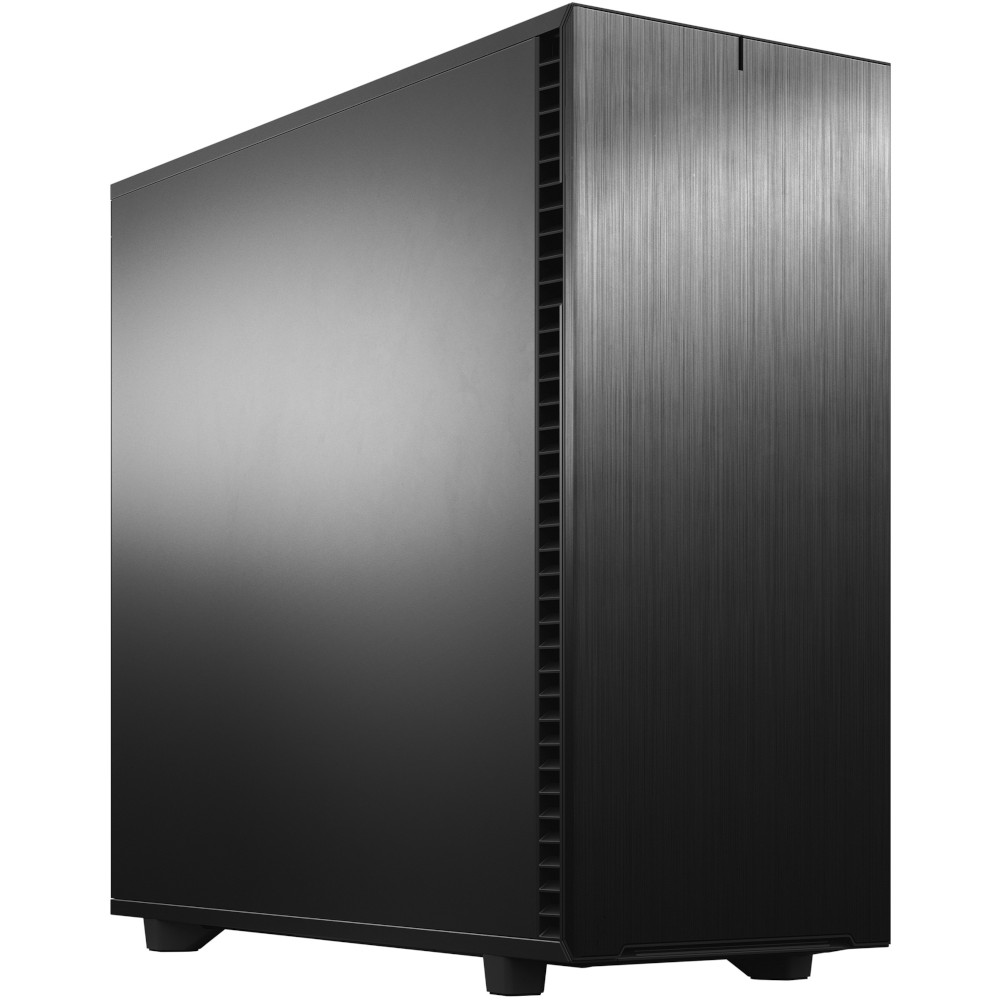
- Fractal Design Define 7 XL Solid
- Intel Core Ultra 9 285K 3.7/5.7GHz 24 Core CPU
- Asrock Phantom Z890 NOVA WIFI Motherboard
- NVidia GeForce RTX 5080 16GB GDDR7 GPU
- 96GB Crucial Pro DDR5 5600Mhz CL46 (2x48GB)
- 2TB Crucial T710 M.2 NVMe PCIe 5.0 SSD (14500MB/R, 13800MB/W)
- 4TB Samsung 990 Pro M.2 NVMe PCIe 4.0 SSD (7450MB/R, 6900MB/W)
- 12TB Western Digital Gold Enterprise 3.5″ Hard Drive
- Corsair NAUTILUS 360 RS Liquid CPU Cooler
- 1000W – FSP Vita 80+ Gold Modular ATX 3.1 PCIe5.1 PSU
- Built in Wi-Fi and Bluetooth
- Built in 5.1 Sound Card
- Microsoft Windows® 11 Professional
Punch Technology Ltd
Meyer Building
Wirral International Business Park
Bromborough
Wirral
CH62 3RH
Technical Support Number: 0151 3179860
Head Office Number: 0151 3179860
Company Number: 10250445
VAT Number: 245 0802 29
Trade Mark: UK00003257797
FCA Number is 809833.