Building the perfect PC for Cinema 4D
When it comes to creating professional 3D content, Cinema 4D is a favourite among motion graphics artists, animators, and designers. Its balance of user-friendly workflow and powerful features makes it an essential tool in industries from advertising to film. Whether you’re working on complex 3D models, fluid simulations, or final renders, the performance of your PC has a direct impact on how smoothly you can work.
Choosing the right hardware is key. While Maxon provides minimum and recommended requirements, these are often only the baseline for getting the software running. To truly optimise your system for Cinema 4D and handle demanding professional projects, you need to invest in the right components that will give you fast previews, efficient rendering, and responsive modelling.
Key hardware considerations for Cinema 4D
Processor (CPU)
Cinema 4D makes use of the CPU for a wide range of tasks including modelling, simulations, and final rendering (unless you’re using GPU render engines). That said, not every aspect of C4D scales perfectly with more cores, so the “fastest” CPU for you depends on your workload.
-
For active modelling and animation: Single-core speed is most important. A CPU with high clock speeds will feel snappier and more responsive while interacting with scenes.
-
For CPU-based rendering (Standard or Physical Render): Core count becomes much more valuable, since render engines can take advantage of many threads at once.
Best CPUs for Cinema 4D

AMD Ryzen 9 9950X3D
Excellent balance of high core count and clock speed, making it ideal for both interactive work and fast renders.
Intel Core Ultra 9 285K
Fantastic single-core performance, making the viewport and animation workflows especially responsive.

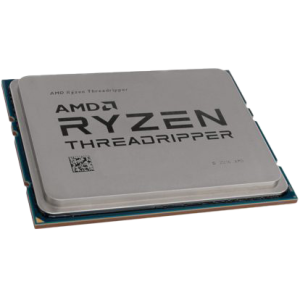
AMD Threadripper 7970X / 7995WX
For users who rely heavily on CPU rendering, Threadripper’s extremely high core counts cut down render times dramatically, though you’ll pay a premium.
How many cores do I need?
For most artists, a mid-to-high core count CPU (12–16 cores) offers the best mix of interactivity and render performance. Beyond that, more cores help with rendering but provide diminishing returns for day-to-day modelling and animation.
Graphics card (GPU)
While Cinema 4D itself doesn’t demand the most powerful GPU for viewport performance, your choice of graphics card becomes critical if you use GPU-accelerated render engines such as Redshift (now integrated into C4D).
-
Viewport performance: A modern mid-to-high range GPU ensures smooth navigation, especially with complex scenes and high-poly models.
-
GPU rendering: The more CUDA cores (NVIDIA) or stream processors (AMD), the faster your renders. VRAM capacity also matters, as high-resolution textures and geometry quickly eat into memory.
Recommended GPUs for Cinema 4D
-
NVIDIA RTX 5000-series (e.g., RTX 5090 / 5080): Exceptional performance for Redshift and other GPU renderers, plus ample VRAM for large scenes.
-
NVIDIA RTX 4070 Ti / 4080: More affordable but still powerful options for artists balancing budget and performance.
-
AMD Radeon Pro W7900: A solid alternative if you prefer AMD, especially in workflows that take advantage of its compute performance.
Memory (RAM)
Cinema 4D projects can be surprisingly memory-hungry, especially when working with large simulations, high-resolution textures, or multi-application workflows (e.g., C4D + After Effects).
-
Minimum: 32GB (for lighter projects).
-
Recommended: 64GB (for professionals working with complex animations or large assets).
-
High-end: 128GB+ (for simulation-heavy work, or when running multiple demanding apps at once).
Storage (HDD/SSD/NVME)
Fast storage doesn’t just make your system feel snappy, it directly affects how quickly you can load assets, cache simulations, and save large projects.
We recommend a three-drive setup for Cinema 4D:
-
Primary Drive (NVMe SSD): For OS and applications — ensures fast boot and program load times.
-
Project Drive (NVMe or large SATA SSD): For active projects and assets; the faster the better, particularly with large scene files and textures.
-
Cache/Simulation Drive (NVMe): Dedicated to caches and temporary data to keep simulations responsive and prevent corruption of main project files.
HDDs are still fine for long-term storage or backups, but for day-to-day 3D work, SSDs or NVMe drives are strongly recommended.
RECOMMENDED CINEMA 4D PCS

SKU: 5060506947730
£6,683.00 (inc VAT)
- HAVN HS420 Premium Case Black + 8x The…
- AMD Ryzen 9 9950X 4.3GHz 16 Core CPU – 5.7GHz Turbo
- Gigabyte X870E AORUS ELITE WIFI7 ATX Motherboard
- NVidia GeForce RTX 5090 32GB GDDR7 GPU
- 128GB Crucial DDR5 5600Mhz CL46 (2x64GB)
- 1TB NVMe M.2 SSD (up to 6000MB/R, 4000MB/W)
- 16TB Seagate 3.5″ Ironwolf Pro HDD, 2 Years Rescue+DataRecovery on registration
- Corsair NAUTILUS 360 RS Liquid CPU Cooler
- Contour 1000W ATX 3.1 Full Modular High Efficiency PSU
- Built in Wi-Fi and Bluetooth
- Built in 5.1 Sound Card
- Microsoft Windows® 11 Professional

SKU: 5060959090007
£4,608.00 (inc VAT)
- Fractal Design Epoch XL Tower Black
- Intel Core Ultra 9 285K 3.7/5.7GHz 24 Core CPU
- Gigabyte Z890 AORUS ELITE WIFI7 Motherboard
- NVidia Quadro RTX 4000 ADA 20GB Professional GPU
- 64GB DDR5 6000MHz Memory (2x32GB)
- 1TB WD Black SN7100 M.2 PCIe 4.0 NVMe SSD [7250MB/s R, 6900MB/s W]
- 4TB WD Black SN7100 M.2 PCIe 4.0 NVMe SSD [7250MB/s R, 6900MB/s W]
- Corsair NAUTILUS 360 RS ARGB Liquid CPU Cooler
- Corsair RM850e Cybenetics Gold 850w Modular ATX 3.1 PSU
- Built in Wi-Fi and Bluetooth
- Built in 5.1 Sound Card
- 7 port USB 3.2 PCIe Card, 3 x USB 3.2 Type-A + 2 x Type-C + Internal Header
- Microsoft Windows® 11 Professional
- 2 x Be Quiet! Silent Wings 4 PWM – Black 140mm Case Fans
SKU: 5060506947051
£4,221.00 (inc VAT)
- Professional V-Ray / 3ds Max Workstation
- AMD Ryzen 9 9950X 16-Core CPU
- NVIDIA RTX 5080 16GB GDDR7 GPU
- 96GB DDR5 5600MHz (2x48GB)
- 2x 2TB WD Black SN7100 NVMe SSD
- be quiet! Silent Loop 3 360mm AIO
- Gigabyte X870E AORUS ELITE WIFI7
- 1000W FSP VITA ATX 3.1 PSU
- Fractal Design Epoch XL Case
- Wi-Fi 7, Bluetooth & High-Speed USB
- Microsoft Windows 11 Professional
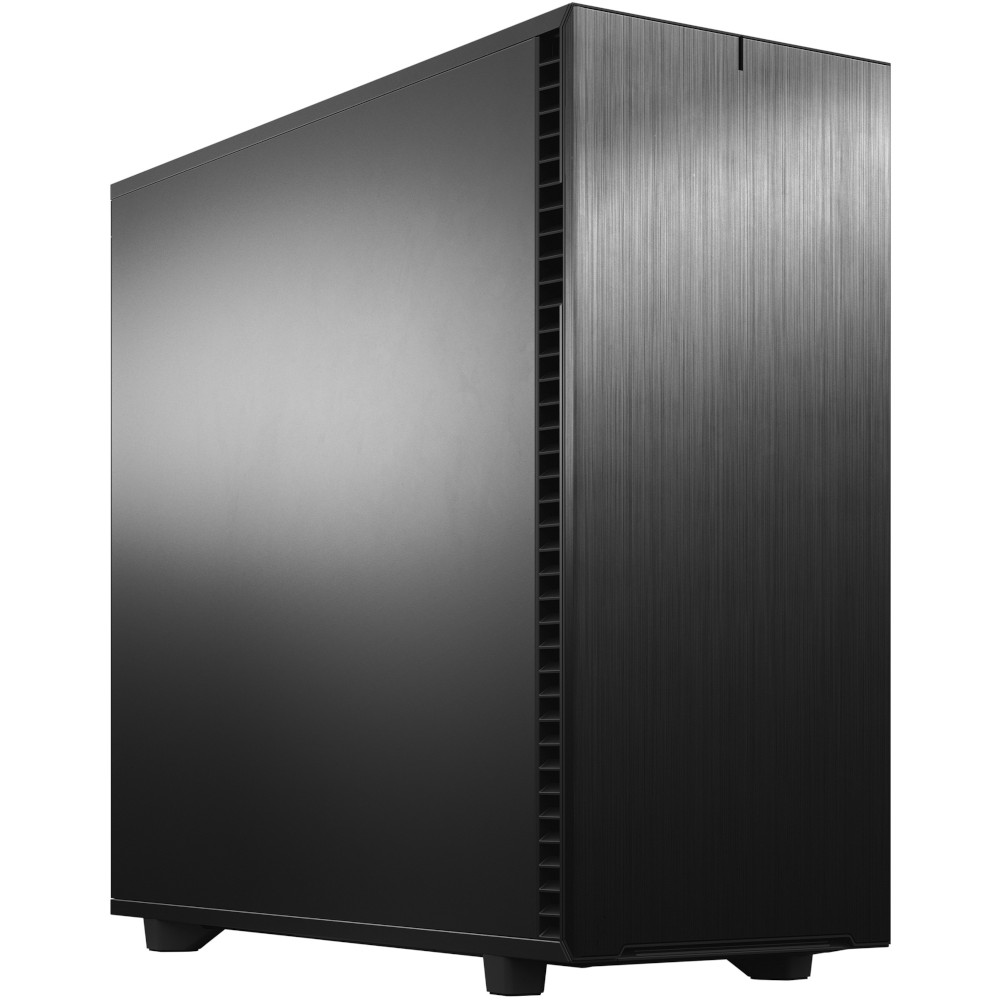
SKU: 5060506946955
£5,403.00 (inc VAT)
- Fractal Design Define 7 XL Solid
- Intel Core Ultra 9 285K 3.7/5.7GHz 24 Core CPU
- Asrock Phantom Z890 NOVA WIFI Motherboard
- NVidia GeForce RTX 5080 16GB GDDR7 GPU
- 96GB Kingston Fury Renegade DDR5 6000MHz CL32 (2x48GB)
- 2TB Crucial T710 M.2 NVMe PCIe 5.0 SSD (14500MB/R, 13800MB/W)
- 4TB Samsung 990 Pro M.2 NVMe PCIe 4.0 SSD (7450MB/R, 6900MB/W)
- 12TB Seagate 3.5″ Ironwolf Pro HDD, 2 Years Rescue+DataRecovery on registration
- Corsair NAUTILUS 360 RS Liquid CPU Cooler
- 1000W – FSP Vita 80+ Gold Modular ATX 3.1 PCIe5.1 PSU
- Built in Wi-Fi and Bluetooth
- Built in 5.1 Sound Card
- Microsoft Windows® 11 Professional
Punch Technology Ltd
Meyer Building
Wirral International Business Park
Bromborough
Wirral
CH62 3RH
Technical Support Number: 0151 3179860
Head Office Number: 0151 3179860
Company Number: 10250445
VAT Number: 245 0802 29
Trade Mark: UK00003257797
FCA Number is 809833.