Building the perfect PC for OctaneRender
OctaneRender is a GPU-accelerated rendering engine widely used by 3D artists, animators, and visual effects professionals. Unlike CPU-based renderers, Octane relies almost entirely on your system’s graphics cards, meaning that your choice of GPU—and how many you have—is the most important factor in building a high-performance workstation. While the official system requirements provide a baseline, real-world performance depends on understanding your workflow and selecting hardware that can handle complex scenes, multiple GPUs, and large amounts of VRAM.
You can find the official OctaneRender system requirements on the OTOY website, but in this guide, we’ll focus on optimised hardware recommendations based on testing and industry benchmarks.
Key hardware considerations for OctaneRender
Processor (CPU)
Even though OctaneRender is GPU-based, the CPU still plays an important supporting role. It handles tasks such as:
-
Scene loading and preparation
-
Managing multiple frames during animation
-
Supporting other 3D or CAD software running alongside Octane
For CPU considerations:
-
High clock speeds are more important than core count.
-
PCI-Express lane availability is crucial if you plan to use multiple GPUs.
Best CPUs for OctaneRender

AMD Ryzen™ 7 7800X3D
High single-core performance and good PCIe lane support make this a strong choice for Octane users who also model or animate in other software. Ideal for dual-GPU setups.
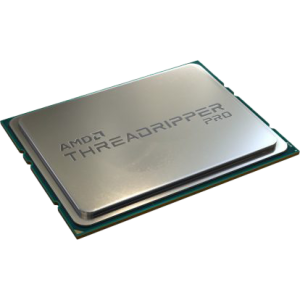
AMD Threadripper™ PRO 5965WX (24 Core)
Designed for multi-GPU workstations, Threadripper PRO CPUs provide abundant PCIe lanes, allowing up to four high-end GPUs in a single tower. Excellent if your workflow demands large GPU arrays.
Tip:
Don’t overspend on a CPU. A mid-range chip with high clock speed is sufficient for Octane; most of your budget should go toward GPUs.
Graphics card (GPU)
OctaneRender performance is dominated by the GPU. Two key factors determine render capabilities:
-
GPU speed – higher core counts and clock rates render faster.
-
Video memory (VRAM) – larger VRAM allows more complex scenes and textures to render without errors.
Recommended GPUs for OctaneRender:
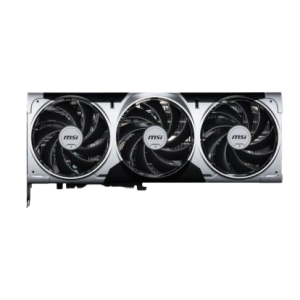
GeForce RTX™ 5080 16GB
Solid for one or two GPUs and moderately complex scenes.
GeForce RTX™ 500 32GB
Best balance of speed and memory for most GPU rendering workflows.
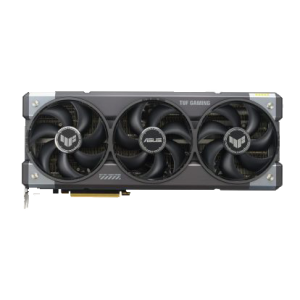
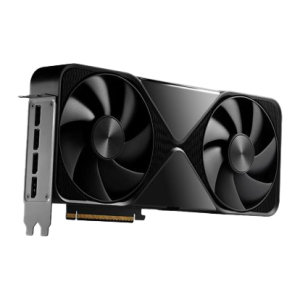
NVIDIA RTX PRO™ 6000 Blackwell Max-Q 96GB
Professional-grade card for extremely large scenes and multi-GPU setups.
Multi-GPU setups:
Octane scales almost perfectly across multiple GPUs. Two cards render twice as fast; four cards render four times as fast. SLI or NVLink is not required, and in fact can sometimes cause issues.
Mixing GPUs:
Octane allows different models in the same system, but VRAM will be limited to the smallest card’s memory.
Nvidia only:
GPU rendering in Octane currently requires NVIDIA CUDA cards. AMD or Intel GPUs are not supported.
Memory (RAM)
GPU rendering in Octane currently requires NVIDIA CUDA cards. AMD or Intel GPUs are not supported.
-
General recommendation: 64GB minimum for GPU rendering workflows.
-
CPU-based rendering: Consider 128GB or more.
-
Rule of thumb: Your system RAM should be roughly twice the amount of total VRAM in use.
If you work with 3D modelling software alongside Octane, increasing system RAM ensures smooth multitasking and prevents crashes when switching between applications.
Storage (HDD/SSD/NVME)
Fast storage significantly impacts load times and workflow efficiency:
-
Primary drive: NVMe SSD (1TB+) for OS and Octane installation. Fast storage allows rapid software launch and scene loading.
-
Secondary drive: SSD for active projects. Helps reduce wait times when opening or saving large files.
-
Long-term storage: HDD or external drive arrays for backups. Network-attached storage (NAS) is recommended for multi-workstation setups.
SSDs for primary and active project storage are highly recommended, while traditional drives can be used for archival and backup purposes.
Network rendering
OctaneRender supports network rendering, allowing you to harness GPUs from other workstations to accelerate renders:
-
Licensing: Each slave machine requires a standalone license.
-
Limits: Up to 20 GPUs per network render.
-
Cross-platform: Windows and Linux nodes can work together seamlessly.
Network rendering is ideal for studios or collaborative teams who want to maximise throughput without upgrading a single workstation.
RECOMMENDED OCTANERENDER PCS

SKU: 5060959094494
£5,598.00 (inc VAT)
- Fractal Design Epoch XL Tower Black
- AMD Ryzen 9 9950X3D2 4.3 GHz 16-Core CPU – 5.6GHz Turbo
- Gigabyte X870 EAGLE WIFI7 ATX Motherboard
- NVidia GeForce RTX 5090 32GB GDDR7 GPU
- 64GB DDR5 6000MHz Memory (2x32GB)
- 2TB NVMe M.2 SSD (up to 5000MB/R, 4200MB/W)
- MSI MAG CORELIQUID A13 360mm Black
- 1000W – FSP Vita 80+ Gold Modular ATX 3.1 PCIe5.1 PSU
- Built in Wi-Fi and Bluetooth
- Built in 5.1 Sound Card
- Microsoft Windows® 11 Home
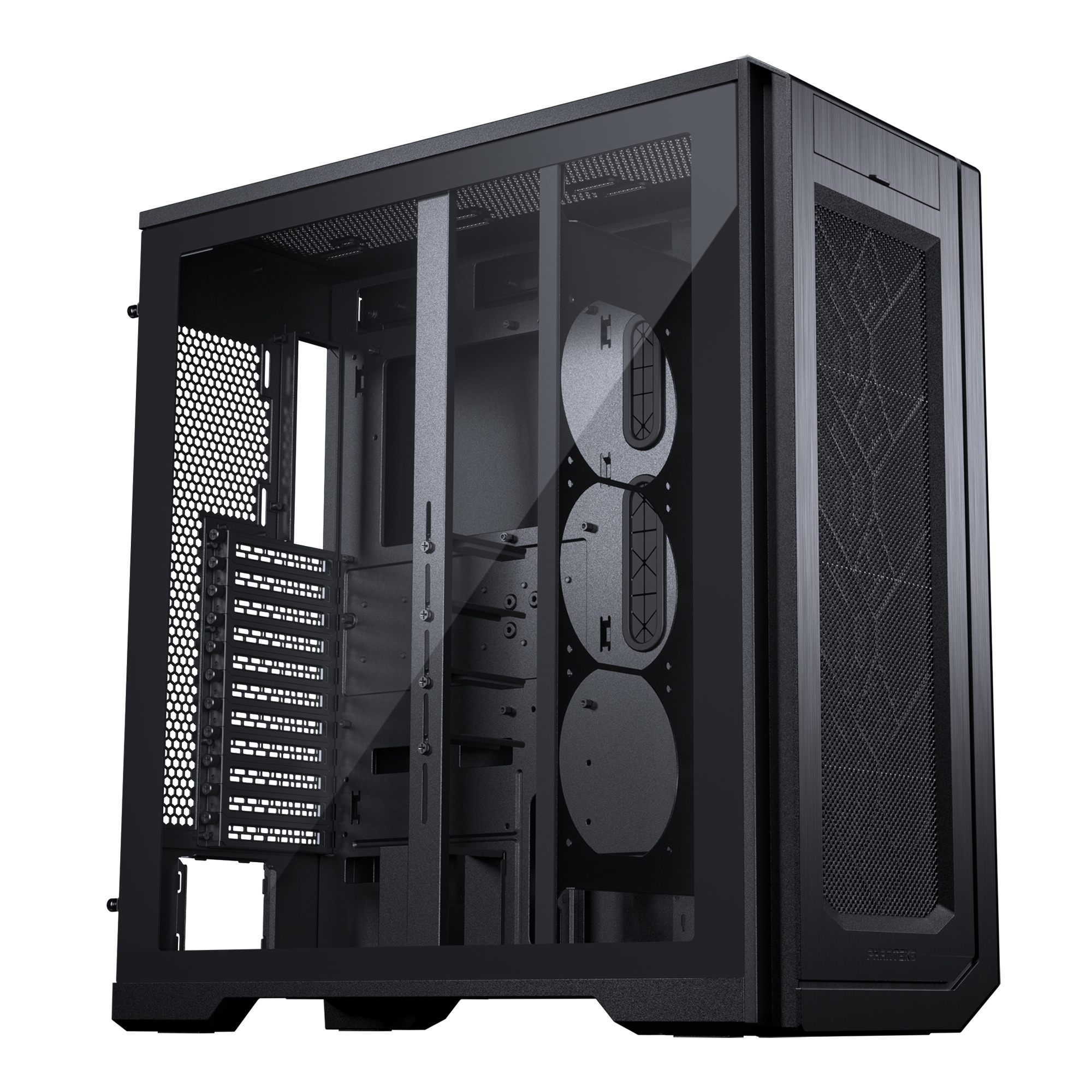
SKU: 5060506947198
£8,879.00 (inc VAT)
- Phanteks ENTHOO PRO 2 Black Case
- AMD Ryzen Threadripper Pro 5995WX CPU 64 Core 128 Thread 2.7/4.5GHz
- Asus PRO WS WRX80E-SAGE SE WIFI Workstation Motherboard
- NVidia GeForce RTX 5080 16GB GDDR7 GPU
- 64GB DDR4 3200MHz RDIMM (4x16GB)
- 1TB NVMe M.2 SSD (up to 6000MB/R, 4000MB/W)
- 2TB Seagate BarraCuda 3.5″ Hard Drive
- be quiet! Silent Loop 3 420mm All-in-one liquid cooler
- Contour 850W ATX 3.1 High Efficiency PSU
- Built in Wi-Fi and Bluetooth
- Built in 5.1 Sound Card
- Microsoft Windows® 11 Professional
- 4 x Be Quiet! Silent Wings 4 PWM – Black 140mm Case Fans
PC Designed for Architectural Visualization
SKU: 5060959090397
£7,083.00 (inc VAT)
- V-Ray / 3ds Max Studio Workstation
- AMD Ryzen 9 9950X 16-Core CPU
- NVIDIA RTX 5090 32GB GDDR7
- 128GB DDR5 5600MHz Memory
- ASUS ProArt X870E Creator
- 2TB WD Black SN7100 NVMe
- 4TB Crucial T700 PCIe 5 NVMe
- be quiet! Silent Loop 3 360mm
- Corsair RM1200e ATX 3.1 PSU
- Fractal Design Epoch XL Case
- Wi-Fi & Bluetooth (Onboard)
- Windows 11 Professional

SKU: 5060506947730
£6,683.00 (inc VAT)
- HAVN HS420 Premium Case Black + 8x The…
- AMD Ryzen 9 9950X 4.3GHz 16 Core CPU – 5.7GHz Turbo
- Gigabyte X870E AORUS ELITE WIFI7 ATX Motherboard
- NVidia GeForce RTX 5090 32GB GDDR7 GPU
- 128GB Crucial DDR5 5600Mhz CL46 (2x64GB)
- 1TB NVMe M.2 SSD (up to 6000MB/R, 4000MB/W)
- 16TB Seagate 3.5″ Ironwolf Pro HDD, 2 Years Rescue+DataRecovery on registration
- Corsair NAUTILUS 360 RS Liquid CPU Cooler
- Contour 1000W ATX 3.1 Full Modular High Efficiency PSU
- Built in Wi-Fi and Bluetooth
- Built in 5.1 Sound Card
- Microsoft Windows® 11 Professional
Punch Technology Ltd
Meyer Building
Wirral International Business Park
Bromborough
Wirral
CH62 3RH
Technical Support Number: 0151 3179860
Head Office Number: 0151 3179860
Company Number: 10250445
VAT Number: 245 0802 29
Trade Mark: UK00003257797
FCA Number is 809833.